
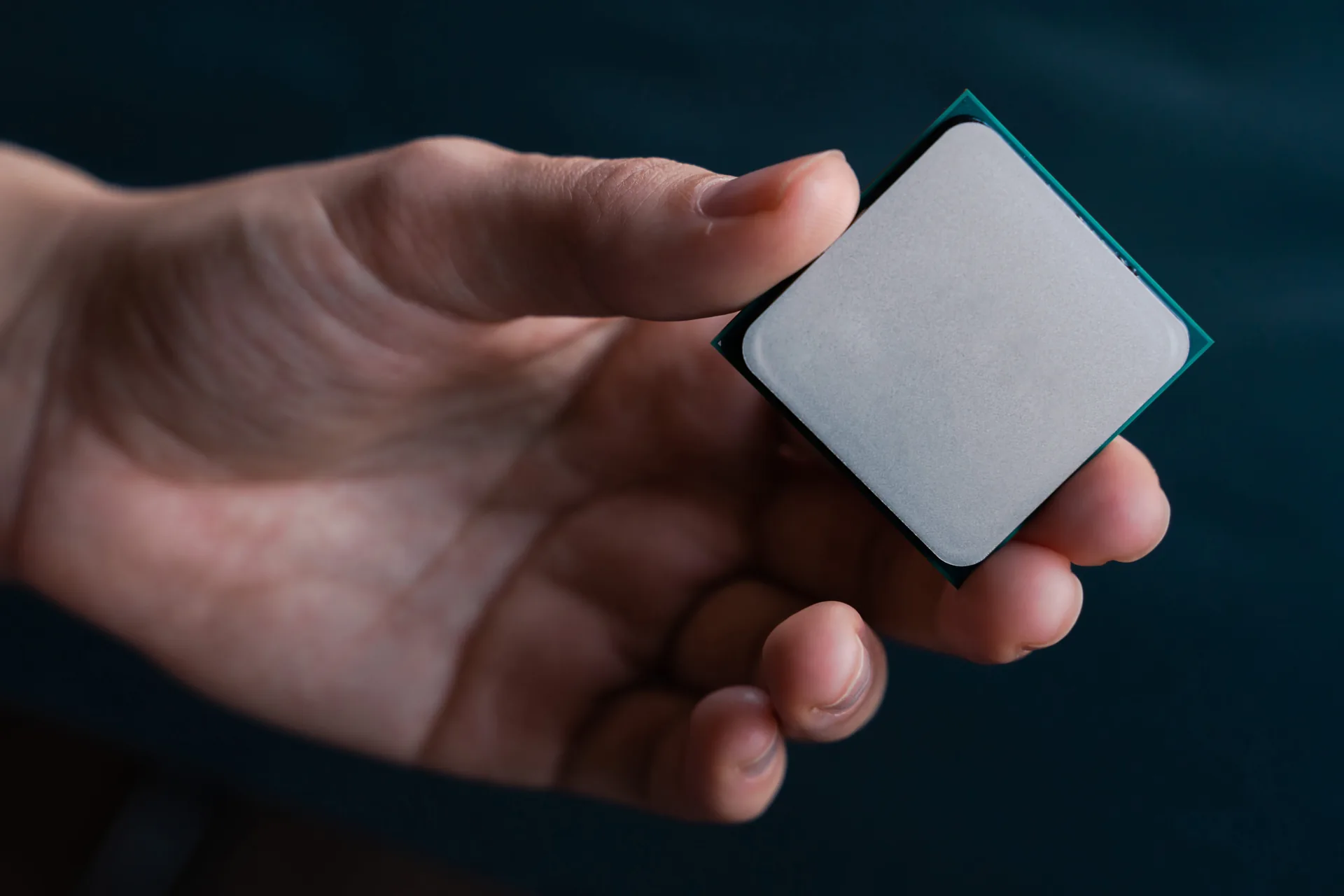
Intel or AMD: Does It Really Matter for Gaming?
If you're building a custom gaming PC in 2026, one of the first decisions you'll face is the processor: Intel or AMD? It's one of the most debated topics in the PC gaming community, and for good reason — your CPU choice affects everything from frame rates to motherboard compatibility to overall system cost.
Here's the truth that many comparison articles won't tell you upfront: both Intel and AMD make excellent gaming processors. The days of one brand being dramatically better than the other are long gone. Both companies are pushing the boundaries of performance, efficiency, and innovation with every new generation.
At Lone Star True Custom Rigs, we build with both platforms because we believe our customers deserve the best option for their specific needs. That's why every one of our pre-built gaming PCs offers both Intel and AMD configurations at competitive pricing.
Let's break down the key differences so you can make an informed decision for your next gaming PC build.
The Difference Between Intel and AMD Processors
While both Intel and AMD CPUs accomplish the same fundamental task — processing instructions that make your games, applications, and operating system run — they approach the engineering differently.
Intel's Hybrid Architecture
Modern Intel processors, including the latest Intel Core Ultra series, use a hybrid architecture with two types of cores:
- Performance cores (P-cores) — High-powered cores designed for demanding single-threaded tasks like gaming. These are the workhorses that push your frame rates higher.
- Efficiency cores (E-cores) — Lower-power cores that handle background tasks, multitasking, and lighter workloads without consuming unnecessary power.
This hybrid design allows Intel CPUs to deliver strong gaming performance while maintaining respectable power efficiency during lighter tasks. Intel has historically excelled at single-threaded performance and high clock speeds, which directly translates to higher FPS in many games.
AMD's Performance-First Approach
AMD's Ryzen 9000 series processors take a different approach. Instead of mixing core types, AMD uses uniform high-performance cores across the entire chip, combined with their revolutionary 3D V-Cache technology on select models.

3D V-Cache stacks additional cache memory directly on top of the processor, giving the CPU faster access to frequently used data. For gaming specifically, this extra cache can provide significant frame rate improvements because games constantly read and write small chunks of data that benefit from fast cache access.
AMD processors also tend to offer higher core counts at similar price points, making them particularly strong for multithreaded workloads like streaming, video editing, and running multiple applications while gaming.
What About Motherboard Compatibility?
Intel and AMD processors use different sockets and chipsets. Intel's current platform uses LGA 1700/1851 sockets with Z790/Z890 chipsets, while AMD uses AM5 sockets with X870/B650 chipsets. Your CPU choice determines which motherboards (and by extension, which features) are available to you. At Lone Star True Custom Rigs, we pair every processor with an optimized motherboard — you never have to worry about compatibility.
Intel vs AMD: Gaming Performance Comparison
When it comes to raw gaming performance, both brands trade blows depending on the specific game, resolution, and settings. Here's how they compare across key performance metrics:
Single-Threaded Performance (Most Important for Gaming)
Most games rely heavily on single-threaded performance because game engines process their primary logic loop on a single core. Intel has traditionally held the edge here, thanks to their high boost clock speeds. For example, Intel's flagship processors can boost up to 6.0+ GHz, while AMD's top chips typically max out around 5.7 GHz.
However, AMD's 3D V-Cache technology narrows this gap significantly by reducing the time the CPU spends waiting for data, effectively making each clock cycle more productive.
Multi-Threaded Performance
For gamers who also stream, record content, or run background applications, multi-threaded performance matters. AMD generally offers better multi-threaded performance thanks to their uniform core design and higher cache amounts. The AMD Ryzen 9 9950X3D, for example, features 144MB of combined L2/L3 cache compared to Intel's Core Ultra 9 285K with 76MB.
Cache Memory
Cache is your CPU's fastest memory — data stored here can be accessed almost instantly. AMD holds a clear advantage in this category, especially with their X3D lineup. More cache means fewer trips to slower system RAM, which translates to smoother, more consistent frame rates.
| Feature | Intel Core Ultra | AMD Ryzen 9000 |
|---|---|---|
| Architecture | Hybrid (P-cores + E-cores) | Uniform high-performance cores |
| Max Boost Clock | Up to 6.0+ GHz | Up to 5.7 GHz |
| Cache (Flagship) | ~76 MB | Up to 144 MB (X3D) |
| Core Design | Mixed P-core / E-core | All performance cores |
| Gaming Strength | High clock speed, single-thread | 3D V-Cache, multi-thread |
| Current Socket | LGA 1700 / LGA 1851 | AM5 |
| Chipset | Z790 / Z890 | X870 / B650 |
| DDR5 Support | Yes | Yes |
| PCIe 5.0 | Yes | Yes |
| Overclocking | Slightly more headroom | Strong, but less headroom |
Intel vs AMD: Power Efficiency and Thermals
Power consumption directly affects your electricity bill, cooling requirements, and system noise levels. Here's how the two platforms compare:
- AMD processors are generally more power-efficient under heavy load. A Ryzen 7 7700X draws around 105W under full gaming load, while a comparable Intel Core i7-13700K can pull up to 253W. This is a significant difference that affects cooling requirements and long-term operating costs.
- Intel processors tend to use slightly less power at idle. When your system is sitting on the desktop or doing light tasks, Intel's hybrid architecture shuts down P-cores and runs on efficient E-cores, drawing minimal power.
- The practical difference is manageable. For most gamers, the power difference between Intel and AMD won't dramatically impact your electricity bill, but it does affect how much cooling your build needs — and that affects noise levels and case choice.
Why This Matters for Your Build
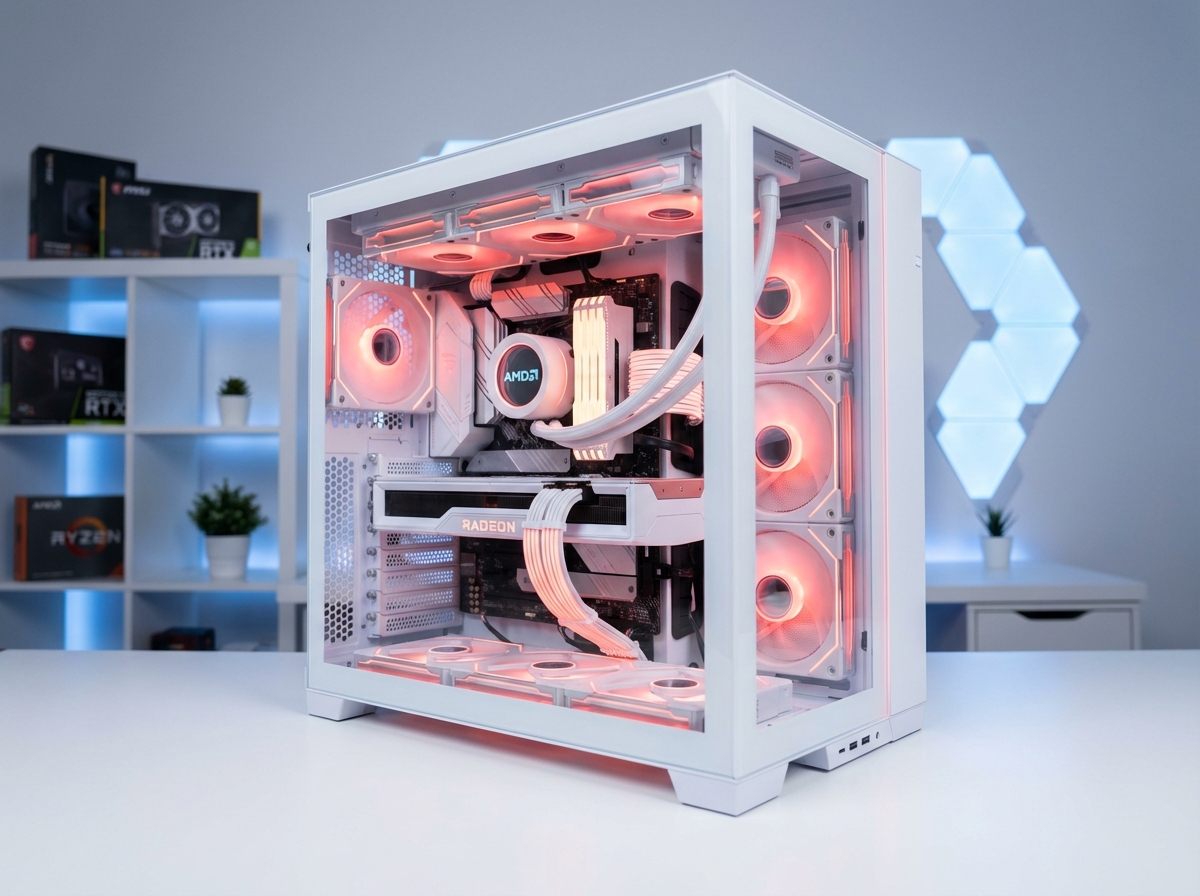
A more power-efficient CPU means you can use a smaller cooler, a lower-wattage power supply, and still maintain quiet operation. AMD's lower TDP at load gives it an edge here, which is why our All White Ice Builds use the AMD Ryzen 7 9800X3D — it runs cool and quiet even in a showcase build.
Intel vs AMD: Price Comparison
Historically, AMD positioned itself as the value leader, offering more cores per dollar than Intel. In 2026, the pricing landscape has shifted significantly:
- Entry-level gaming CPUs: Both brands offer compelling options in the $200-$350 range. AMD's Ryzen 5 and 7 series compete directly with Intel's Core i5 and i7 lineup.
- Mid-range gaming CPUs: The $350-$500 range is where the competition is fiercest. AMD's Ryzen 7 9800X3D (~$419) and Intel's Core i7 equivalents both deliver excellent gaming performance.
- High-end gaming CPUs: At the top end ($500+), AMD's X3D processors and Intel's Core Ultra 9 flagships trade blows in gaming benchmarks while commanding similar prices.
- AMD chips are more frequently found below MSRP at retailers, offering opportunities for savings. Intel chips tend to hold their retail pricing more consistently.
At Lone Star True Custom Rigs, we price our Intel and AMD configurations at the same price. Our Maverick Gaming Build is $7,799 for both Intel and AMD — no price penalty for choosing either platform.
AMD vs Intel: Which Is Better for Gaming?
Here's our honest take after building hundreds of custom gaming PCs with both platforms:
Choose Intel If You...
- Prioritize the highest possible clock speeds for competitive gaming
- Want strong single-threaded performance across all applications
- Prefer Intel's mature platform ecosystem and broad software compatibility
- Are building primarily for gaming at 1080p where CPU bottlenecks are more likely
- Want slightly more overclocking headroom
Choose AMD If You...
- Want the absolute best gaming performance with 3D V-Cache technology
- Plan to stream, record, or multitask while gaming
- Prefer a more power-efficient system with lower heat output
- Value higher core counts and more cache per dollar
- Want a platform (AM5) with a longer upgrade path ahead
The Bottom Line
Both AMD and Intel deliver outstanding gaming performance in 2026. AMD's Ryzen 9000 X3D processors have a slight edge in pure gaming workloads thanks to 3D V-Cache technology, while Intel's Core Ultra series excels in mixed workloads and high clock speed scenarios. You genuinely cannot go wrong with either platform when paired with the right components — and that's exactly what we do at Lone Star True Custom Rigs.
Our Recommended Gaming Builds
Every Lone Star True Custom Rig is available with both Intel and AMD configurations. Here are our top picks:
READY TO BUILD YOUR GAMING PC?
Choose Intel or AMD — we'll build it right. Every Lone Star True Custom Rig is hand-built in Texas with premium components and backed by our warranty.
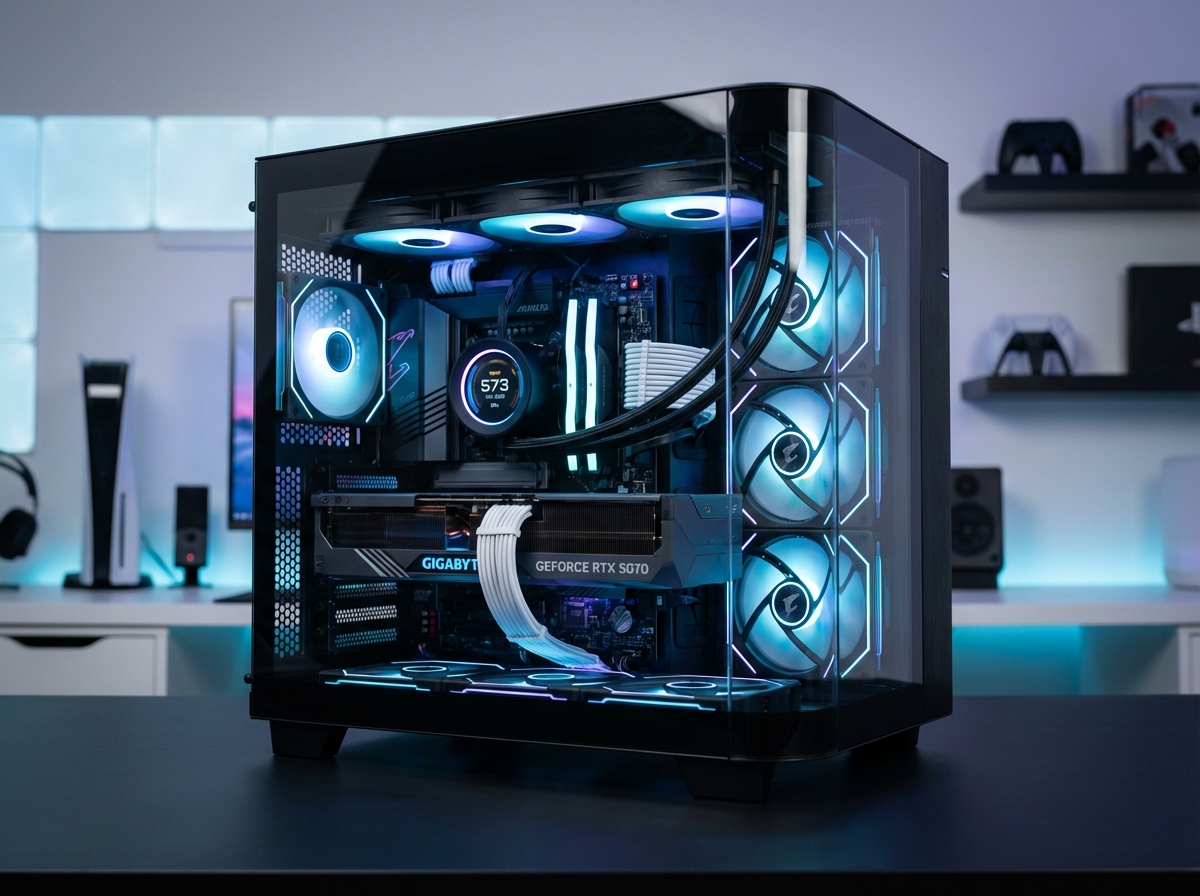
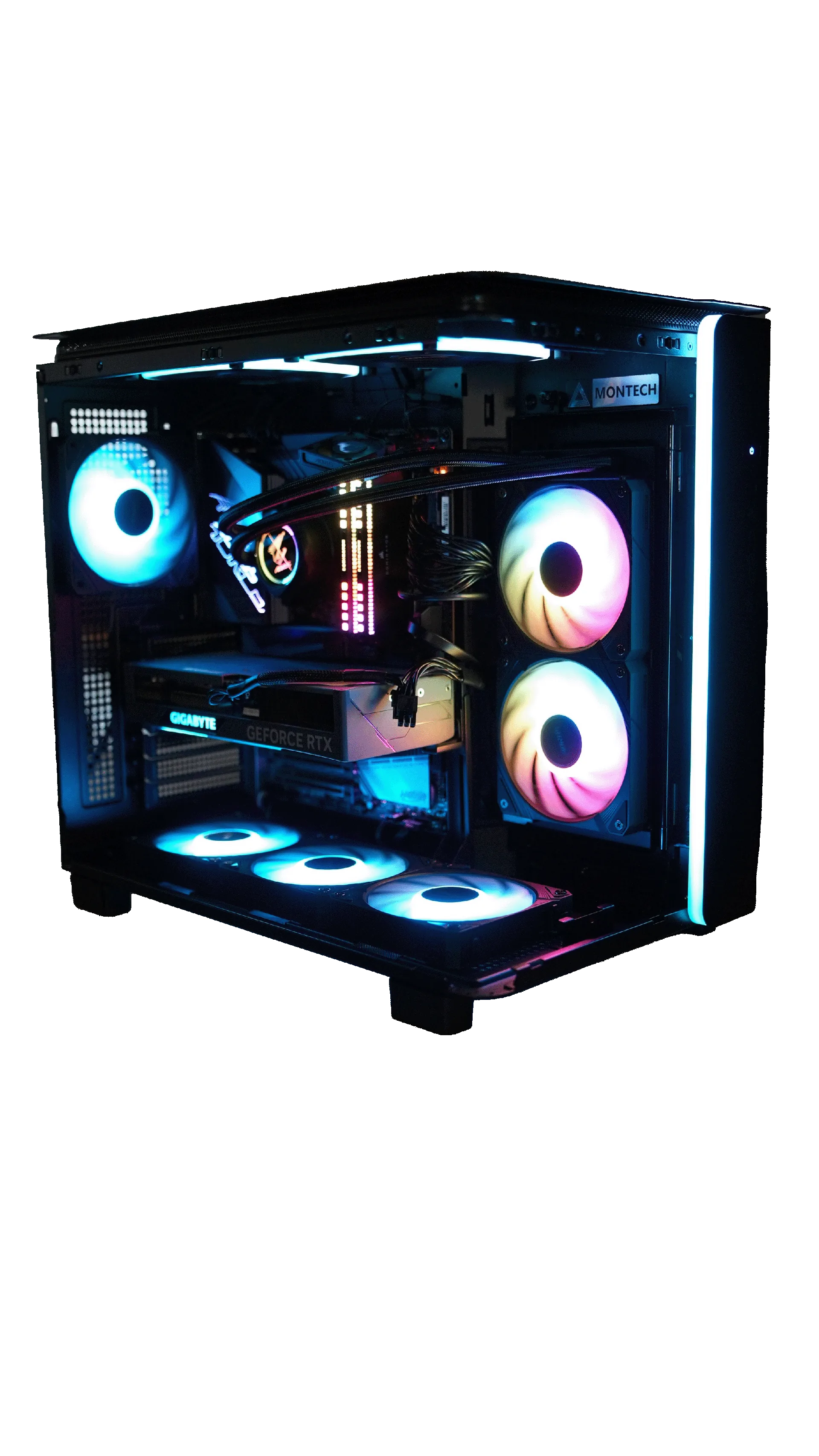
MAVERICK BUILD — FROM $7,799 COMPARE ALL BUILDS- Maverick Gaming Build — $7,799 (Intel or AMD). RTX 5070 Ti Gaming OC 16GB, 64GB DDR5, perfect for 120+ FPS gaming across all major titles.
- Ice Build (AMD) — $4,999. All-white Corsair build with AMD Ryzen 7 9800X3D and RX 9070 XT.
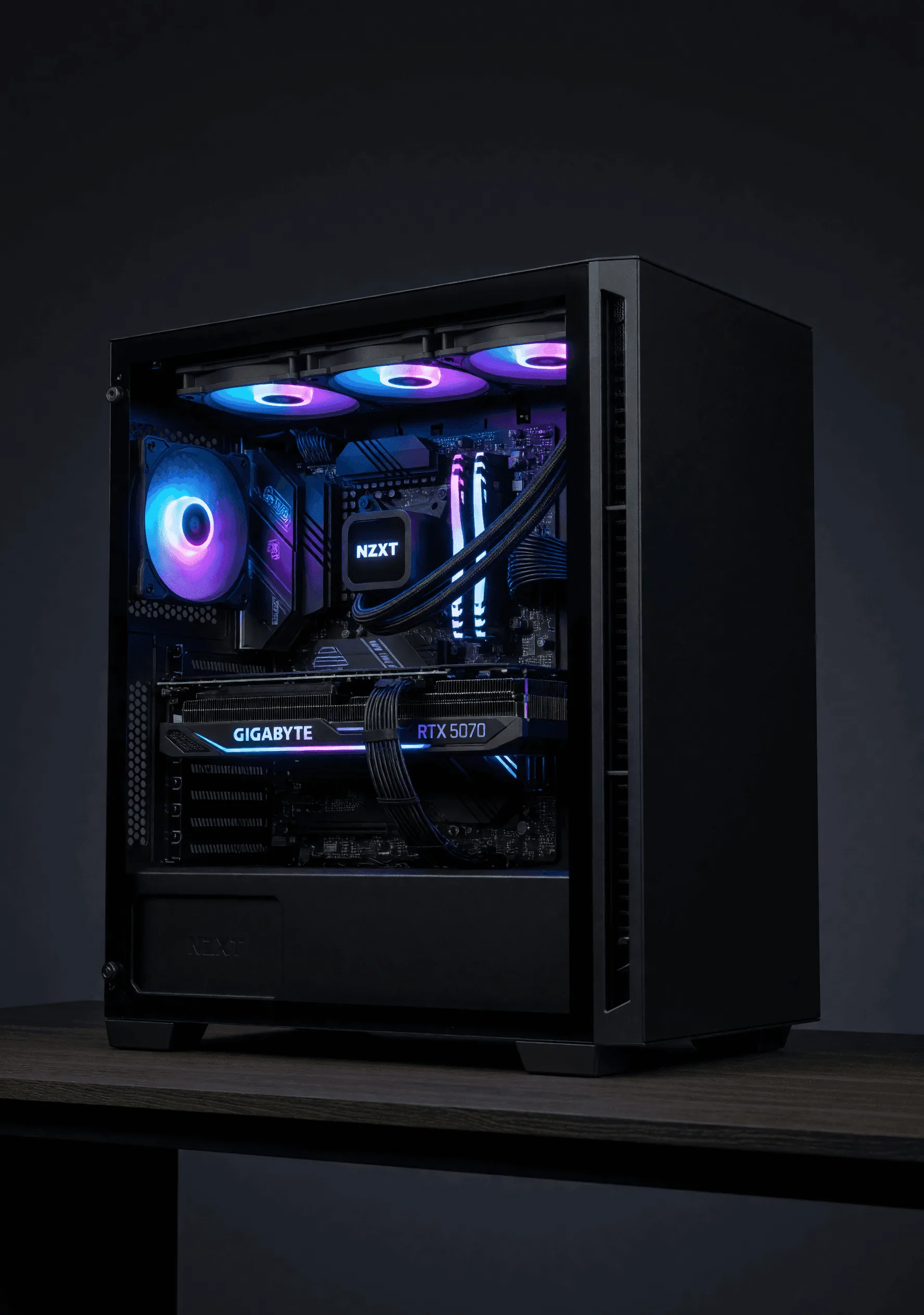
- Ice Build (Intel) — $5,199. All-white Corsair build with Intel Core i7-14700K and RTX 5070.
Not sure which platform is right for you? Compare all our builds side by side or build your own custom rig from scratch.