
Honest pros and cons, real wattage numbers, and how to pick the right cooler for your CPU and case
Ask ten PC builders whether to run an air cooler or an AIO liquid cooler and you'll get a dozen opinions. Some folks swear a big tower cooler is all anyone needs. Others won't build without a radiator up top. Both camps are partly right.
The truth is that cooling is about matching the cooler to the chip, the case and what you care about: noise, looks, maintenance or simplicity. Here's the straight comparison, with no product prices and no brand cheerleading, so you can pick the right one for your gaming PC.
HOW EACH ONE WORKS
An air cooler uses heat pipes to carry heat from a copper base up into a stack of aluminum fins, and one or two fans blow air through those fins. No liquid, no pump. The only moving parts are the fans.
An AIO (all-in-one) liquid cooler is a sealed loop. A pump sitting on the CPU block pushes coolant through tubes to a radiator mounted on the case, where fans move the heat out. It comes pre-filled and you don't refill it. That's different from a custom water loop, which is a whole other hobby.
Both are moving heat from the CPU into the air inside and around your case. The difference is where that heat gets dumped and how much radiator or fin area you have to work with.
START WITH YOUR CPU’S POWER
The single most useful number here is how much power your processor is designed to draw, because that's roughly how much heat the cooler has to move.
| CPU | Rated power | What it means for cooling |
|---|---|---|
| Ryzen 7 9800X3D | 120W default TDP | A good dual-tower air cooler handles it comfortably |
| Ryzen 9 9950X | 170W default TDP | Large air cooler or 280–360mm AIO; AIO helps keep boost clocks up |
| Core Ultra 9 285K | 125W base / 250W max turbo | Can pull a lot under heavy all-core loads; a 360mm AIO is the comfortable choice |
Power figures from AMD and Intel specifications listed below.
The 9800X3D is a great example of why “high-end” doesn't automatically mean “needs liquid.” It's one of the best gaming CPUs you can buy, but at a 120W TDP it's a moderate heat load, and games rarely push it as hard as an all-core workload does. A quality air cooler keeps it happy.
High-core-count chips are a different story. Under rendering, compiling or long streaming sessions, chips like the 9950X and 285K can sit at high power for a long time. A larger radiator gives that heat more surface to spread across, which helps keep clocks and fan noise in check.
GAMING VS ALL-CORE WORK
Games rarely push every core to the limit. If your PC is gaming-first, size the cooler for your CPU's rated power with a little headroom. If it also renders, encodes or compiles for long stretches, size it for those sustained loads.
NOISE
This one surprises people. A big air cooler running at moderate fan speeds can be extremely quiet, and there's no pump sound at all. An AIO adds a pump, which some people can hear as a faint hum in a quiet room.
Where AIOs win on noise is under sustained heavy loads. Liquid absorbs heat spikes more gradually, so fans ramp up more smoothly instead of revving every time the CPU boosts. A 360mm radiator with three fans can also run each fan slower than a single air cooler fan pushing through a dense fin stack. Either way, a good fan curve in the BIOS matters as much as the cooler itself.
MAINTENANCE AND WHAT CAN FAIL
Air coolers are about as low-maintenance as PC parts get. Dust the fins now and then. If a fan dies, you swap the fan, and the heat pipes still pull some heat away passively while you sort it out.
AIOs are also low-maintenance day to day, since you never top them up, but they have more points of failure:
- The pump is a moving part. When it fails, the CPU loses most of its cooling quickly and will throttle hard or shut down to protect itself. You replace the whole unit.
- Sealed doesn’t mean forever. Over years, a small amount of coolant can slowly permeate through the tubing, and performance can tail off. AIOs generally have a shorter useful life than an air cooler.
- Leaks are rare with reputable units, but the risk isn’t zero, and it’s a risk an air cooler simply doesn’t have.
Mounting matters too. The pump shouldn't be the highest point in the loop, because that's where air collects and can cause gurgling or poor flow. A top-mounted radiator, or a front mount with the tubes at the bottom, avoids that.
CASE FIT AND RADIATOR SIZES
Before you choose, check what your case supports.
- Air cooler height: Big tower coolers are tall. Every case lists a maximum CPU cooler height, and a too-tall cooler won't let the side panel close. Also check that the cooler clears your RAM sticks.
- Radiator size: AIOs come in 120mm, 240mm, 280mm and 360mm sizes (one, two or three fans wide; 280mm uses two 140mm fans). Your case needs a mount for that size, plus room for the radiator and fans to stack.
- Clearance: A thick radiator at the top can bump into tall motherboard heatsinks or RAM; one at the front can eat into GPU length.
For a high-power CPU, 280mm or 360mm is where an AIO really pulls ahead of a good air cooler. A 120mm AIO usually doesn't beat a solid tower cooler and mostly makes sense in tight small-form-factor builds.
LOOKS
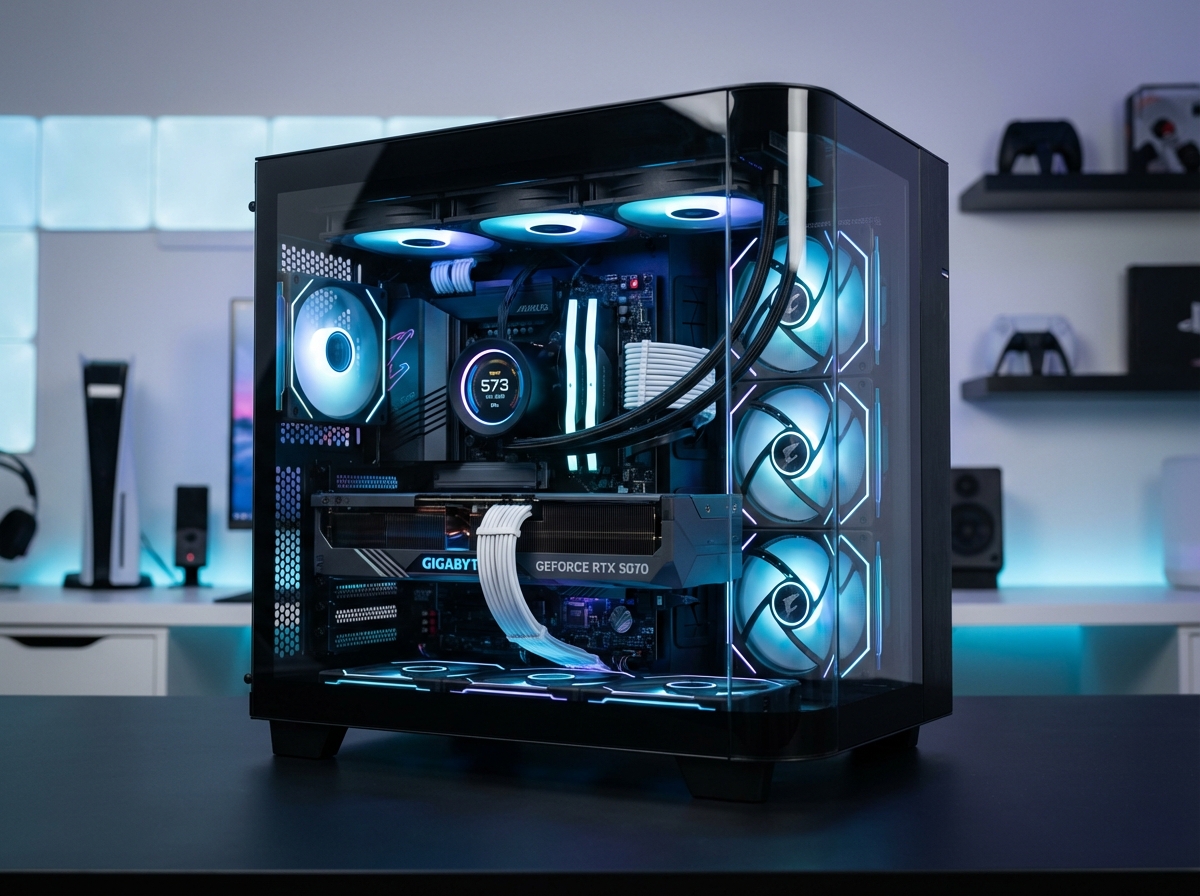
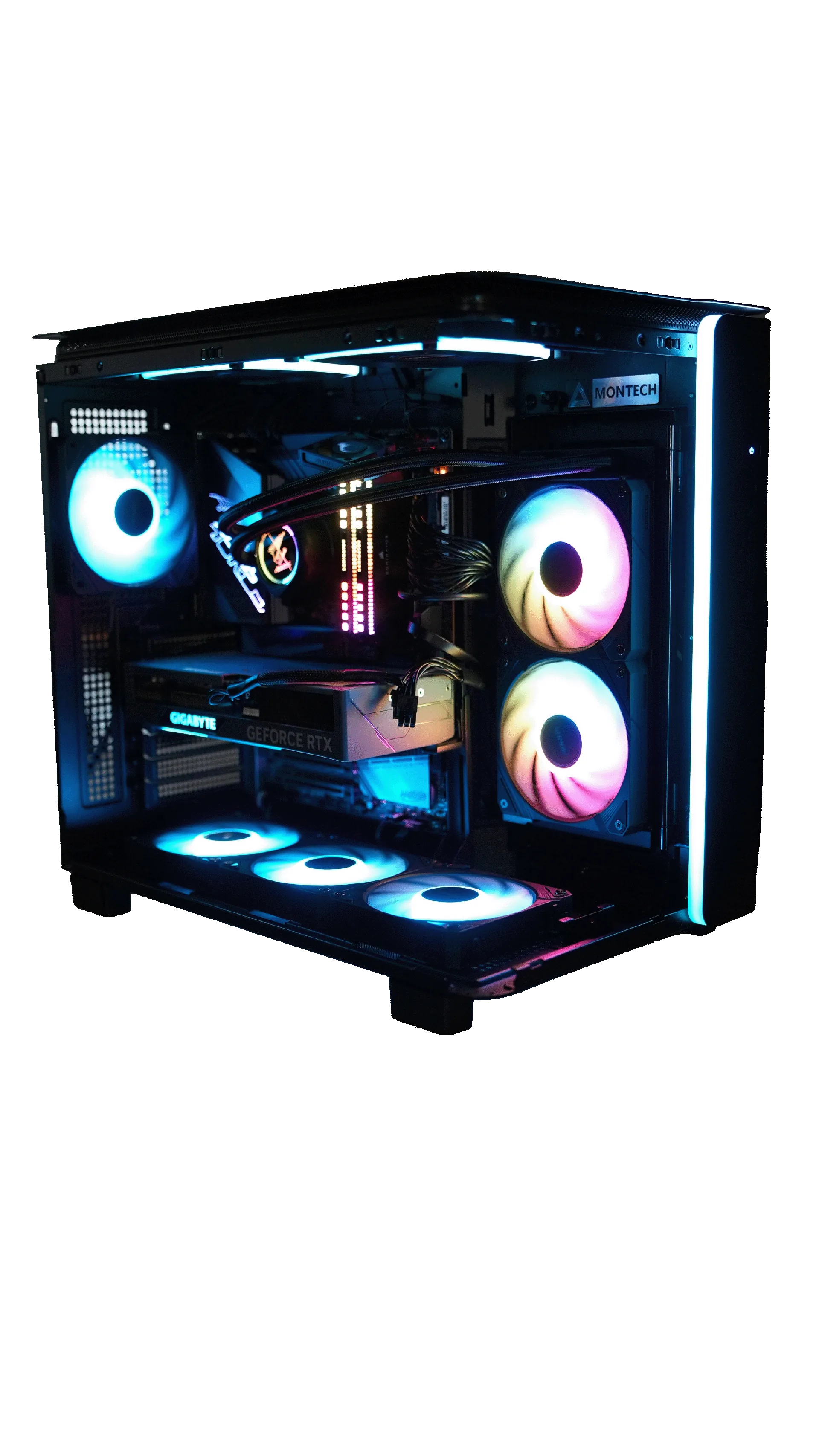
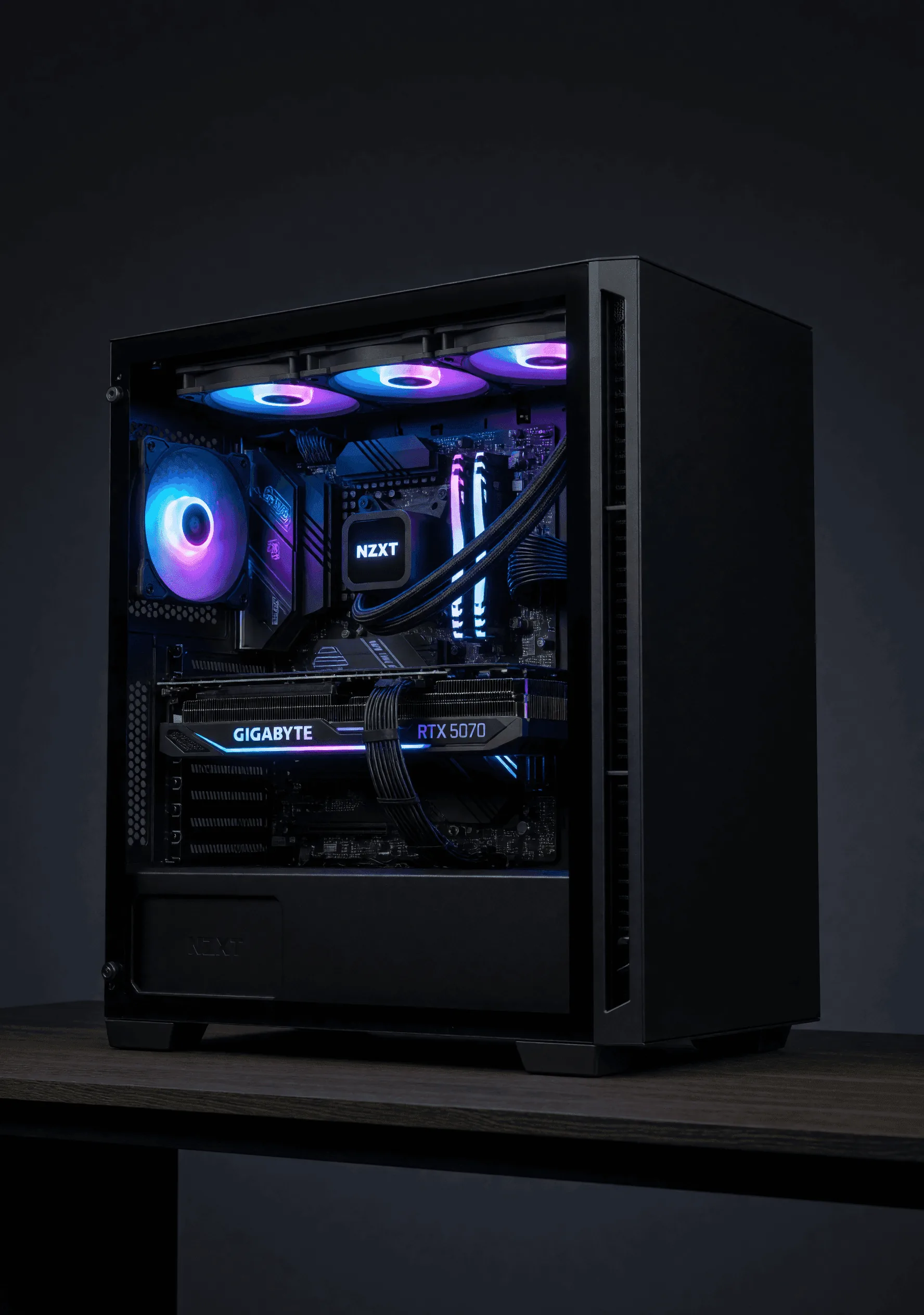
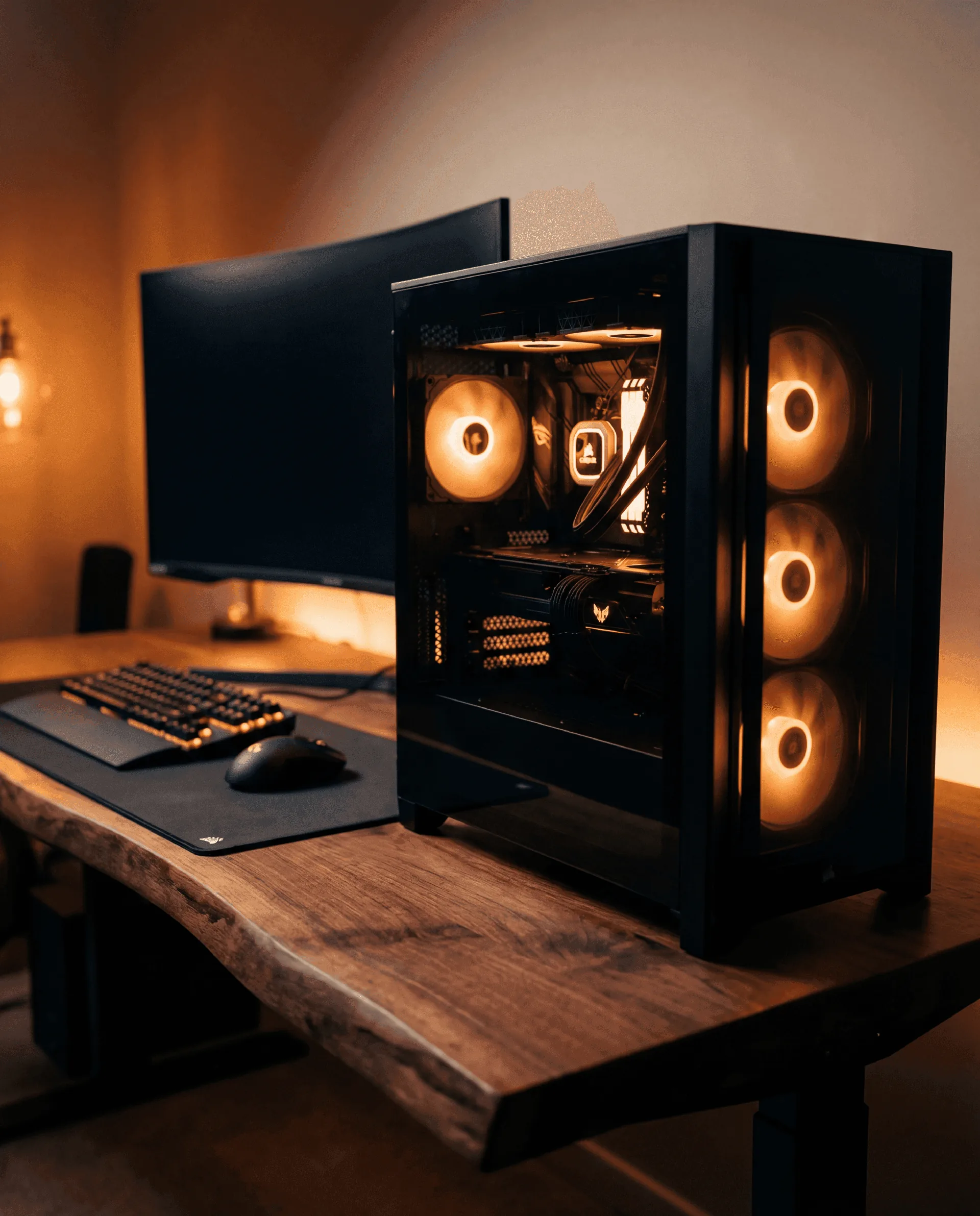
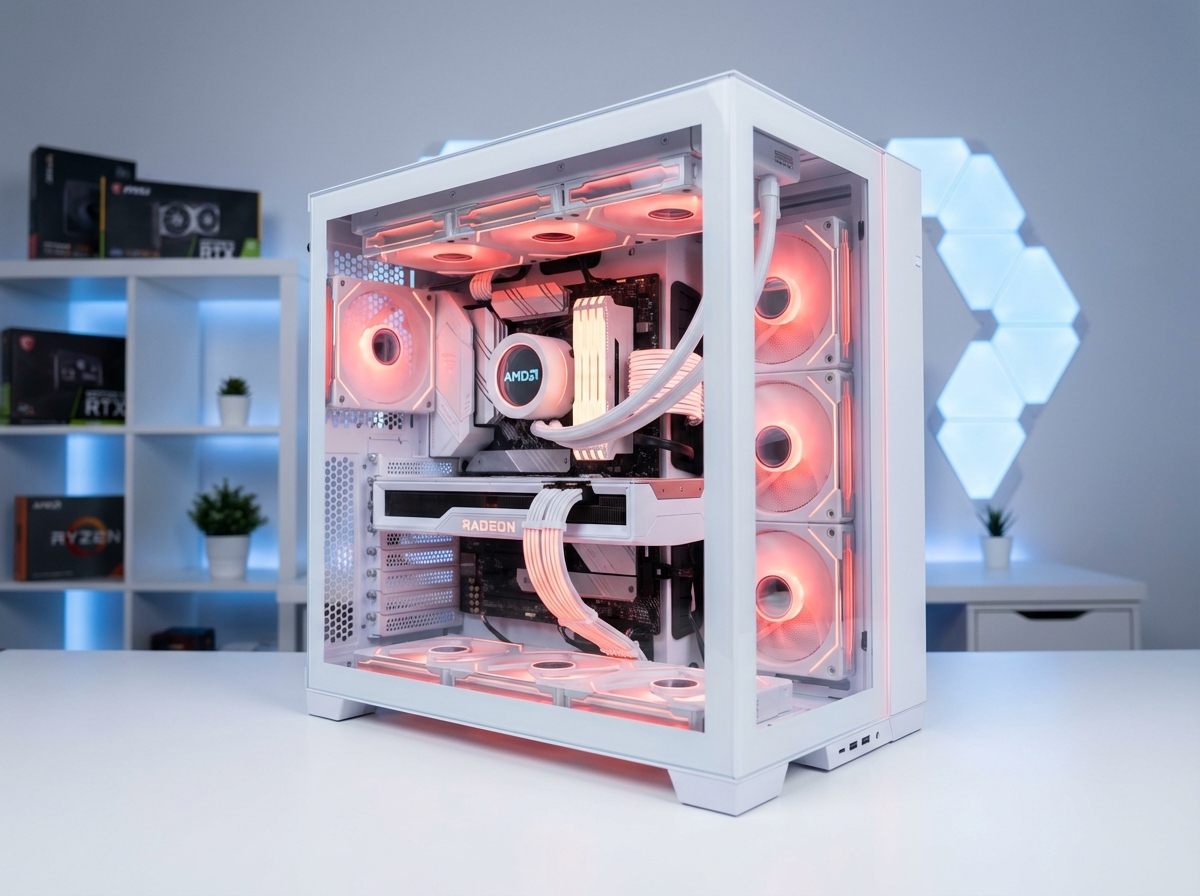
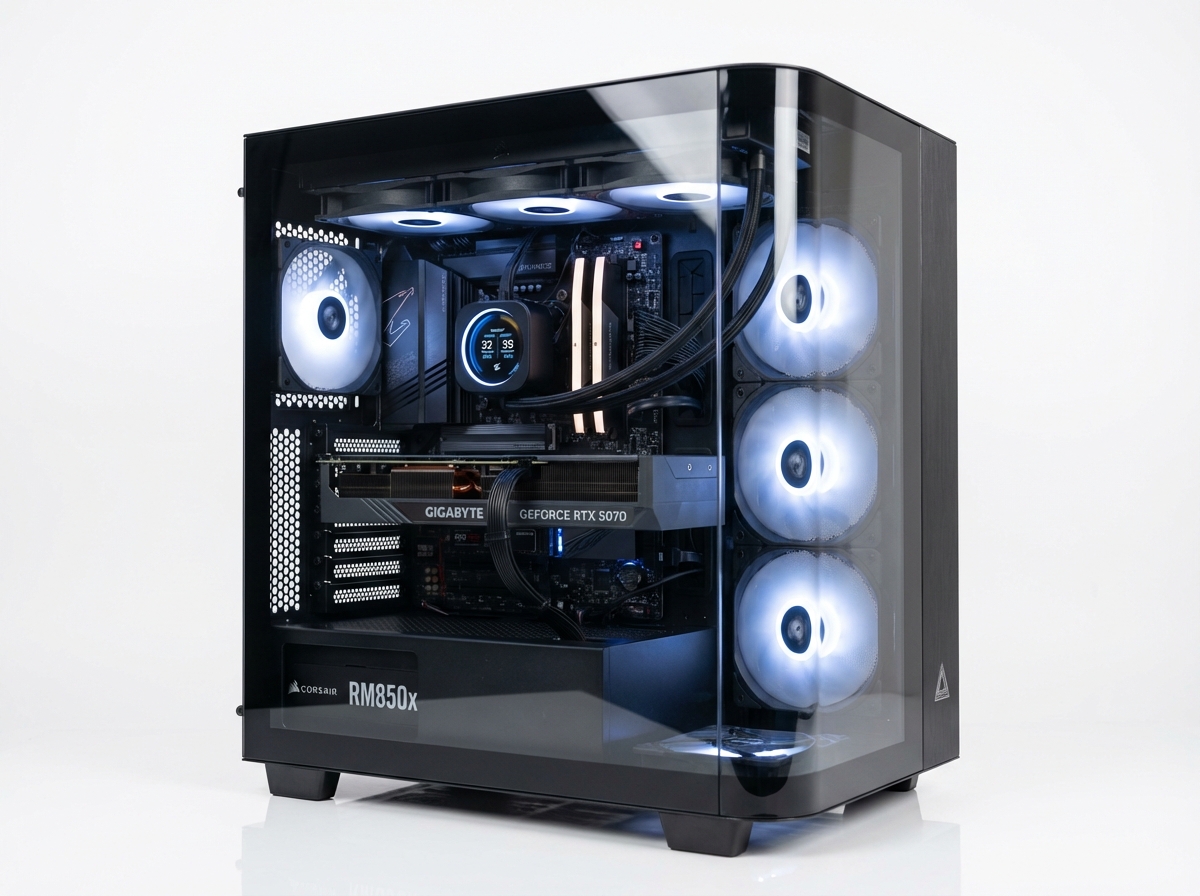
No shame in this one. An AIO clears the area around the CPU socket, shows off your RAM and motherboard, and the pump head is often a spot for lighting or a small display. A big air cooler dominates the middle of the case. If your rig sits on the desk with a glass panel facing you, that can matter as much as a few degrees.
OUR TAKE
PICK AIR — If You Want Simple and Durable
You're gaming-first on a moderate-power CPU like the 9800X3D, your case has the clearance, and you'd rather never think about a pump. A quality dual-tower air cooler is quiet, reliable and lasts for years.
PICK AN AIO — If You Run Hot Chips or Want the Clean Look
You've got a high-power processor, do long all-core work like rendering or streaming, or want a clean build with the CPU area on display. Go 280mm or 360mm and mount it properly.
For our own builds, we use AIOs: a 240mm unit in the Outlaw and 360mm units in the Wrangler and Maverick. That gives every CPU option, including the higher-power Core Ultra 9 285K in the Maverick, plenty of headroom, and keeps the inside of the case clean. But if you're building your own around a 9800X3D, a great air cooler is a perfectly good call, and we'd tell you that any day.
COOLING SORTED, BUILT IN TEXAS
Every Lone Star rig is assembled, cable-managed and stress-tested before it ships. Spec your own in the Custom Builder or check out builds ready to go.
OPEN THE CUSTOM BUILDER READY TO SHIP