
NVIDIA dropped Game Ready Driver 595.97 WHQL on March 24, 2026 — and if you've been holding off on updating after the rocky 595.59 release, this one's safe to grab. It's a focused cleanup driver that squashes several annoying bugs without introducing new problems.
Here's everything you need to know.
BUG FIXES
This release addresses three key issues that have been plaguing gamers on the R595 driver branch:
- Halo Infinite — Texture Corruption Fixed. If you've been seeing corrupted textures and visual glitches in Halo Infinite since updating to R595-series drivers, this patch resolves it. Textures render correctly across all quality settings now.
- HITMAN World of Assassination — Smooth Motion Stability Fix. NVIDIA Smooth Motion was causing crashes and instability in HITMAN. The interaction between the game's engine and NVIDIA's motion handling layer has been patched — you can safely enable Smooth Motion again.
- DLSS Frame Generation + Instant Replay Crash Fix. A nasty bug where enabling DLSS Frame Generation alongside GeForce Experience Instant Replay could hard-crash your game has been resolved. This was affecting multiple titles, not just one — so this is a big one.
Why This Matters for Your Build
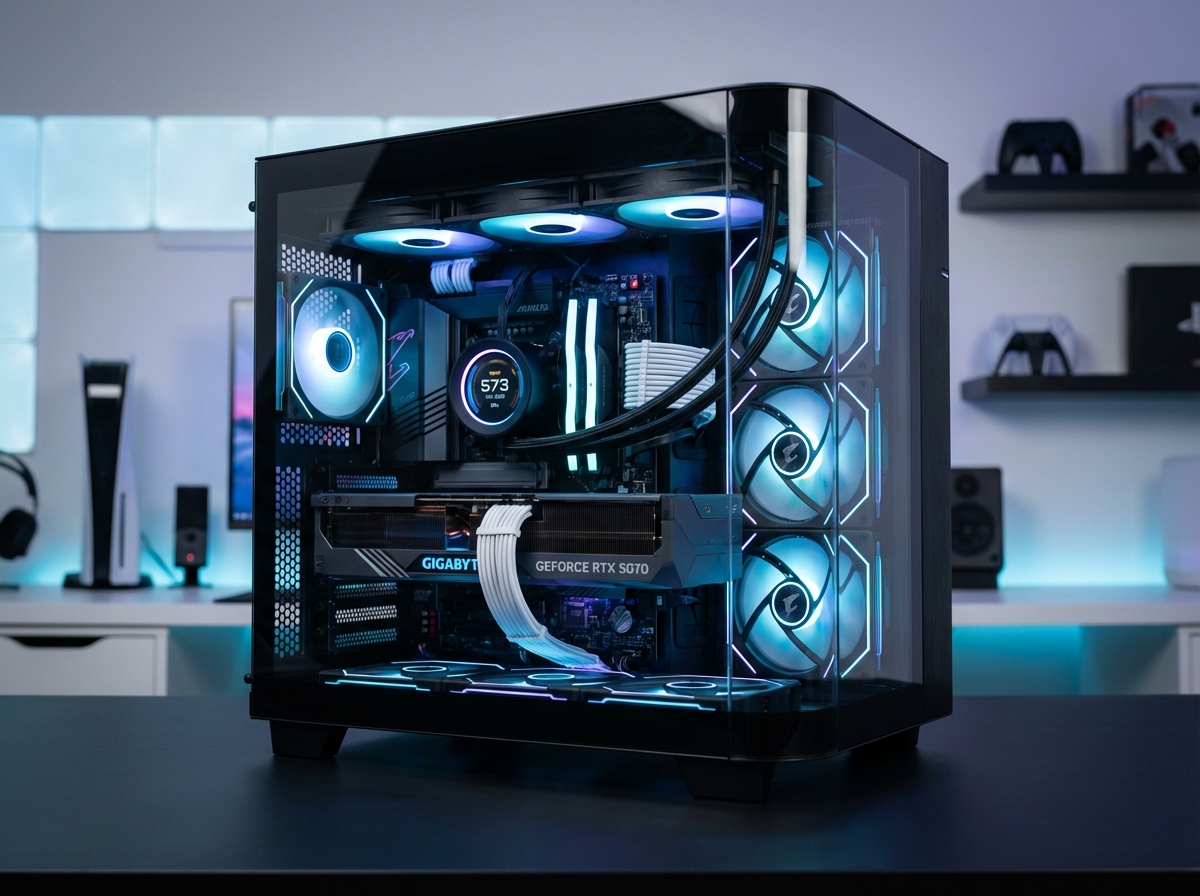
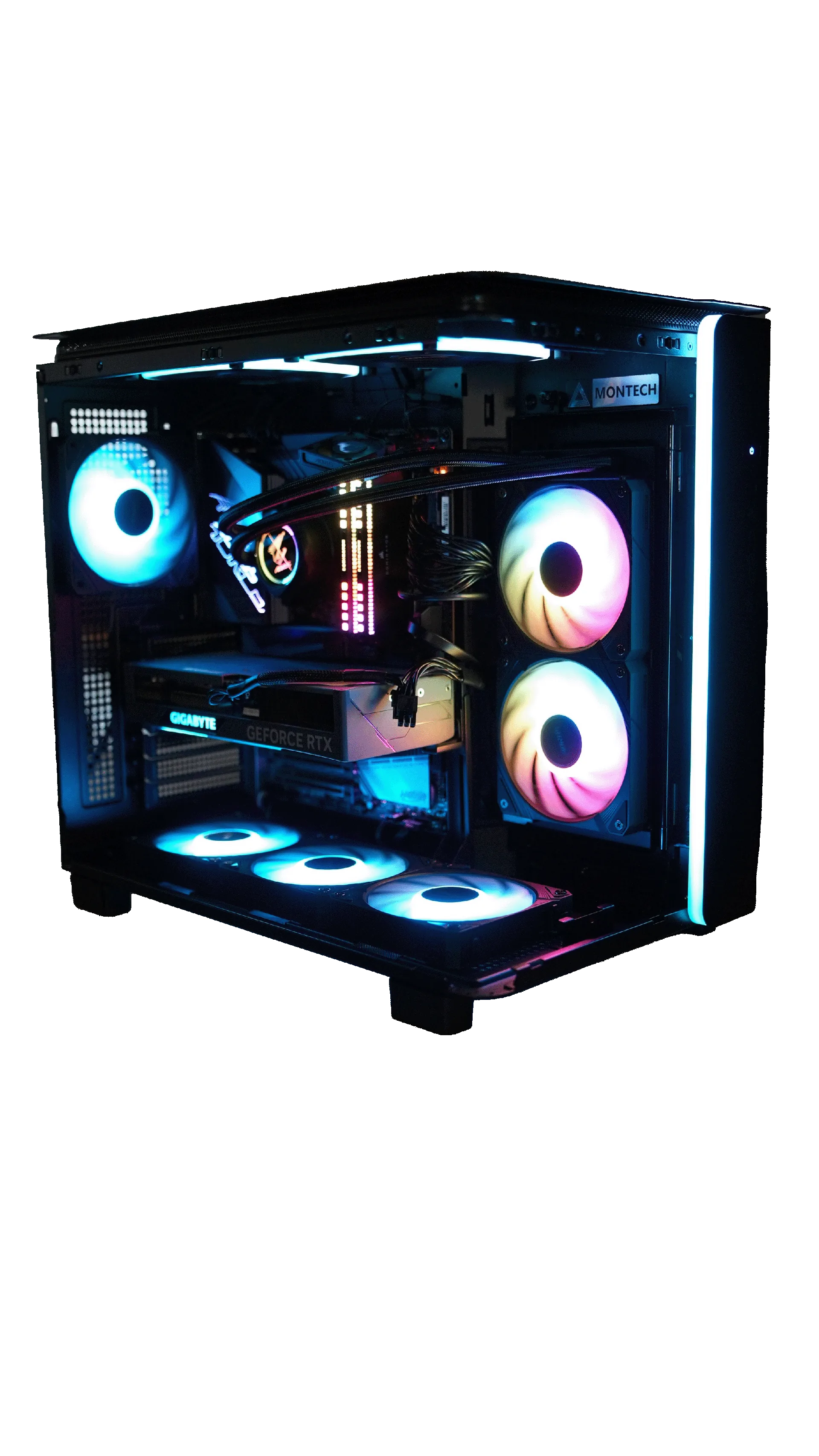
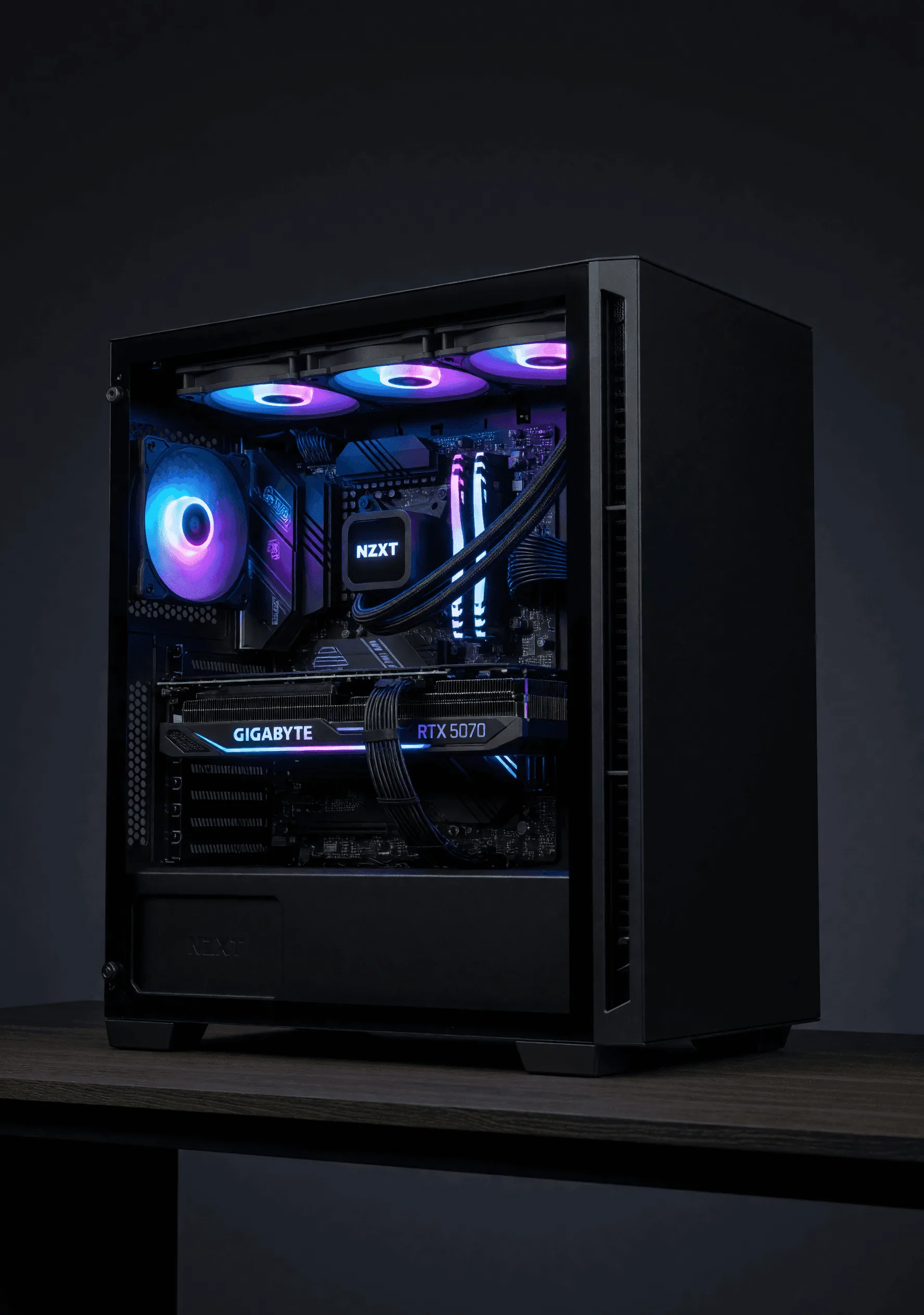
If you're running any RTX 40 or RTX 50 series GPU — which includes every Lone Star gaming build — you should update to 595.97. The DLSS Frame Generation fix alone is worth it, especially if you use Instant Replay to capture clips.
DLSS & RAY TRACING SUPPORT
Driver 595.97 continues full support for:
- DLSS 4 with Multi Frame Generation on RTX 50 series
- DLSS 3 Frame Generation on RTX 40 series
- DLSS Super Resolution across all RTX GPUs
- Ray Tracing & Path Tracing optimizations
- NVIDIA Reflex 2 for lower input latency
No new game-specific DLSS profiles were added in this release — NVIDIA is focusing on stability over features here, which is exactly what the community was asking for.
G-SYNC COMPATIBLE DISPLAYS
This driver adds support for 63 new G-SYNC Compatible displays, including 2026 TV models from:
- LG — 2026 OLED and NanoCell lineup
- Samsung — 2026 Neo QLED and OLED models
If you just bought a new TV for gaming, update your drivers to make sure Variable Refresh Rate is validated and working properly.
KNOWN ISSUES
Good news — no new known issues were introduced with 595.97. The remaining known issues from earlier R595 drivers are minor:
HOW TO UPDATE
Three ways to grab the latest driver:
- NVIDIA App — Open the NVIDIA App on your PC, go to Drivers, and click "Download." This is the easiest method.
- GeForce Experience — If you're still using GeForce Experience, check the Drivers tab for the update.
- Manual Download — Head to nvidia.com/drivers and select your GPU model.
Pro Tip from Our Build Team
We always recommend doing a clean install when updating drivers — especially if you're coming from a driver that had issues. In the NVIDIA installer, select "Custom Install" and check the "Perform a clean installation" box. Takes an extra 30 seconds but eliminates any leftover issues.
THE BOTTOM LINE
Update to 595.97. It's a stability-focused release that fixes real problems without breaking anything new. If you were burned by 595.59, this one restores confidence. NVIDIA listened to the community and shipped fixes fast.
Every Lone Star True Custom Rig ships with the latest stable drivers pre-installed and tested. If you're already running one of our builds, you can update through the NVIDIA App and you're good to go.
READY TO GAME AT 120+ FPS?
Every Lone Star build comes with the latest drivers, stress-tested and ready to play out of the box.
VIEW THE MAVERICK BUILD BUILD YOUR OWN