
Pixel math, GPU tiers, refresh rates and desk distance, so your monitor and your graphics card actually match
Most folks pick a graphics card first and a monitor second. We'd flip that. The resolution you play at decides how hard your GPU has to work on every single frame, and a mismatch in either direction wastes money: a top-tier card driving a 1080p screen it can't stretch its legs on, or a midrange card gasping at 4K.
So here's the straight answer on 1080p, 1440p and 4K in 2026: what the pixel counts really mean, what class of GPU each one wants, how refresh rate and upscaling change the picture, and which size screen makes sense at your desk.
THE PIXEL MATH
Resolution is just width times height, but the jumps between tiers are bigger than the names suggest:
| Resolution | Dimensions | Pixels per frame | vs 1080p |
|---|---|---|---|
| 1080p (Full HD) | 1920 × 1080 | 2,073,600 (2.07M) | 1× |
| 1440p (QHD) | 2560 × 1440 | 3,686,400 (3.69M) | 1.78× |
| 4K (UHD) | 3840 × 2160 | 8,294,400 (8.29M) | 4× |
4K is exactly four 1080p screens, and 2.25 times the pixels of 1440p. That doesn't mean frame rates drop by exactly that much (games don't scale perfectly), but it's the right way to think about the load. Every step up asks your GPU to shade a lot more pixels, every frame, dozens or hundreds of times a second.
WHAT GPU EACH RESOLUTION NEEDS
Here's how we'd match card class to screen for modern AAA games at high settings. Esports titles are much lighter, so you can aim lower for those.
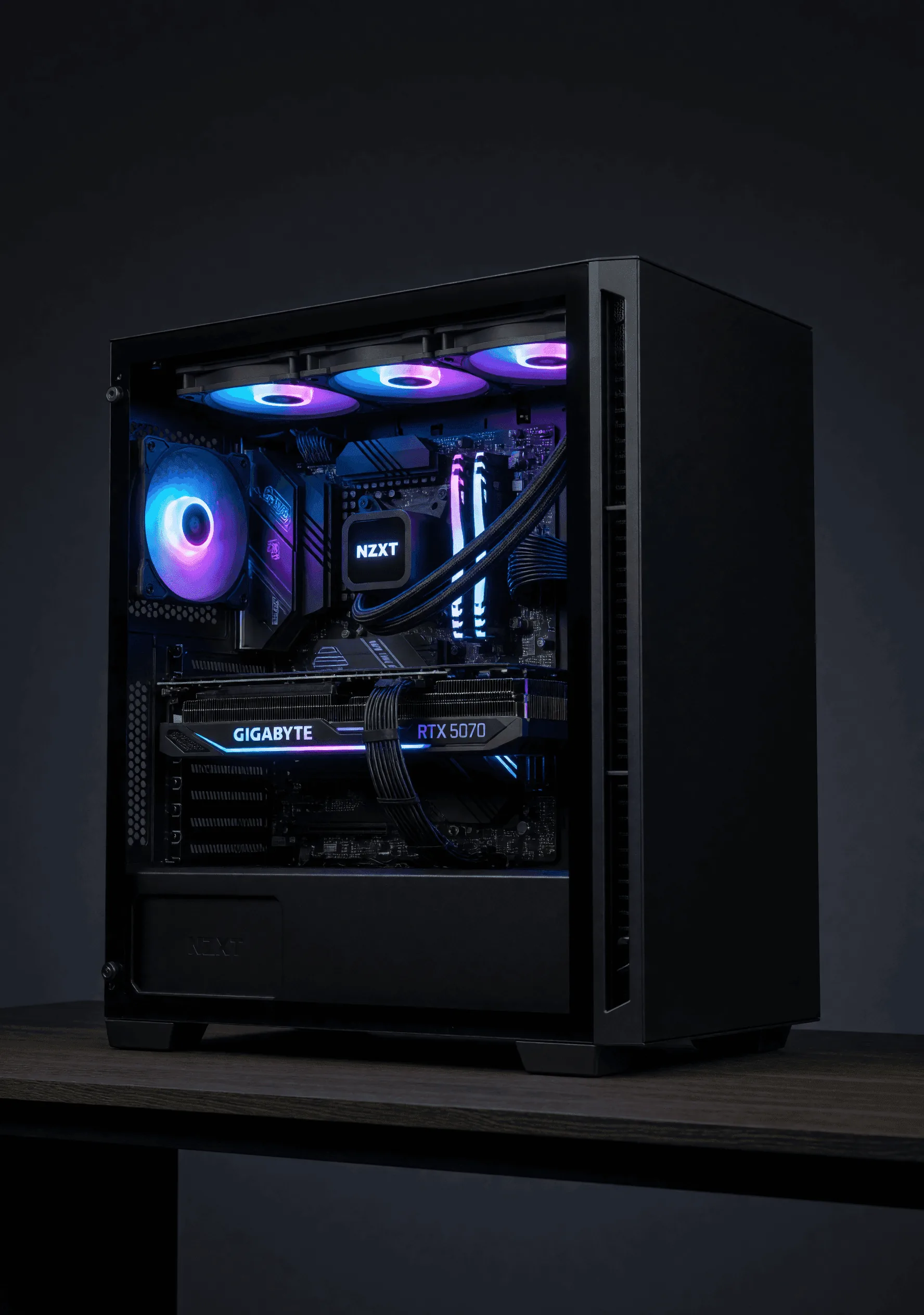
- 1080p: The easiest target. An RTX 5070-class card is more than enough for high settings, and at this resolution the CPU often becomes the limit before the GPU does, especially when you chase very high frame rates.
- 1440p: The sweet spot for most gamers, and the resolution where an RTX 5070 or RTX 5070 Ti really earns its keep. The 5070 handles it well; the 5070 Ti adds headroom for ultra settings, ray tracing and high refresh rates. Our RTX 5070 Ti vs 5070 breakdown covers the differences.
- 4K: The heavy lift. An RTX 5070 Ti with upscaling is a solid 4K card, and it's where the extra VRAM of a 16GB card starts to matter. If you want maximum settings with path tracing, you're in RTX 5080 territory and above; Phantom Blade Zero, for example, lists an RTX 5080 for its top 4K/60 path-tracing tier.
WHERE THE CPU COMES IN
At 1080p the GPU finishes frames so fast that the processor often sets the ceiling. At 4K it's mostly the GPU. That's why a high-refresh 1080p or 1440p setup benefits from a gaming-focused CPU, while a 4K rig should put more of the budget into the graphics card. Our X3D cache explainer goes deeper on why cache-heavy chips shine at high frame rates.
REFRESH RATE: THE OTHER HALF OF THE DECISION
Resolution sets how many pixels each frame needs. Refresh rate sets how many frames per second your monitor can show. You pay for both, so be honest about how you play.
- Competitive shooters: Frame rate beats sharpness. A 1080p or 1440p monitor at 240Hz or more, with settings tuned for steady frames, will serve you better than a 4K screen you can only feed at 70 FPS.
- A bit of everything: 1440p at 144Hz to 180Hz is the all-rounder. It looks noticeably sharper than 1080p and modern midrange cards can actually drive it.
- Single-player and cinematic games: 4K at 60 to 144Hz is where big open worlds look their best, and where frame generation smooths things out nicely.
Whatever you choose, getting the most out of a high-refresh panel takes a little setup on the PC side. Our 120Hz optimization guide walks through it.
UPSCALING BLURS THE LINES
DLSS, FSR and XeSS render the game at a lower internal resolution and rebuild the image to your monitor's resolution. That changes the math in a big way. At 4K, DLSS Performance mode renders internally at 1920 × 1080, which is the same pixel load as native 1080p, then reconstructs the full 4K image. Quality mode at 4K renders at 2560 × 1440.
That's why a 4K monitor is far more realistic today than it was a few years ago. As a starting point:
- 1080p: Quality preset or native. There aren't many pixels to rebuild from, so lower presets get soft quickly.
- 1440p: Quality or Balanced. Modern upscalers look excellent here.
- 4K: Balanced or Performance. Even Performance has plenty to work with at this output resolution.
Use the upscaler that matches your GPU brand. Our DLSS vs FSR vs XeSS guide explains the presets and when frame generation makes sense.
SCREEN SIZE AND DESK DISTANCE
Resolution only matters as much as your eyes can see it. What you notice is pixel density (pixels per inch) at the distance you actually sit. Here's the math for common sizes:
| Monitor | Pixel density | Our take |
|---|---|---|
| 24″ 1080p | ~92 PPI | Fine for esports and budget setups |
| 27″ 1440p | ~109 PPI | The sweet spot for most desks |
| 32″ 1440p | ~92 PPI | Big, but no sharper than 24″ 1080p |
| 27″ 4K | ~163 PPI | Very sharp; great for text and work |
| 32″ 4K | ~138 PPI | The classic 4K gaming size |
Pixel density calculated from each panel's diagonal and resolution.
RTINGS suggests a 27-inch monitor if you sit roughly 24 to 36 inches away, and a 32-inch if you sit about 28 to 42 inches back. The closer you sit, the easier it is to see the difference between 1440p and 4K. On a shallow desk, a 27-inch 1440p screen is hard to beat. If you've got room to push the monitor back, 32-inch 4K makes the jump worth it.
HOW OUR BUILDS LINE UP
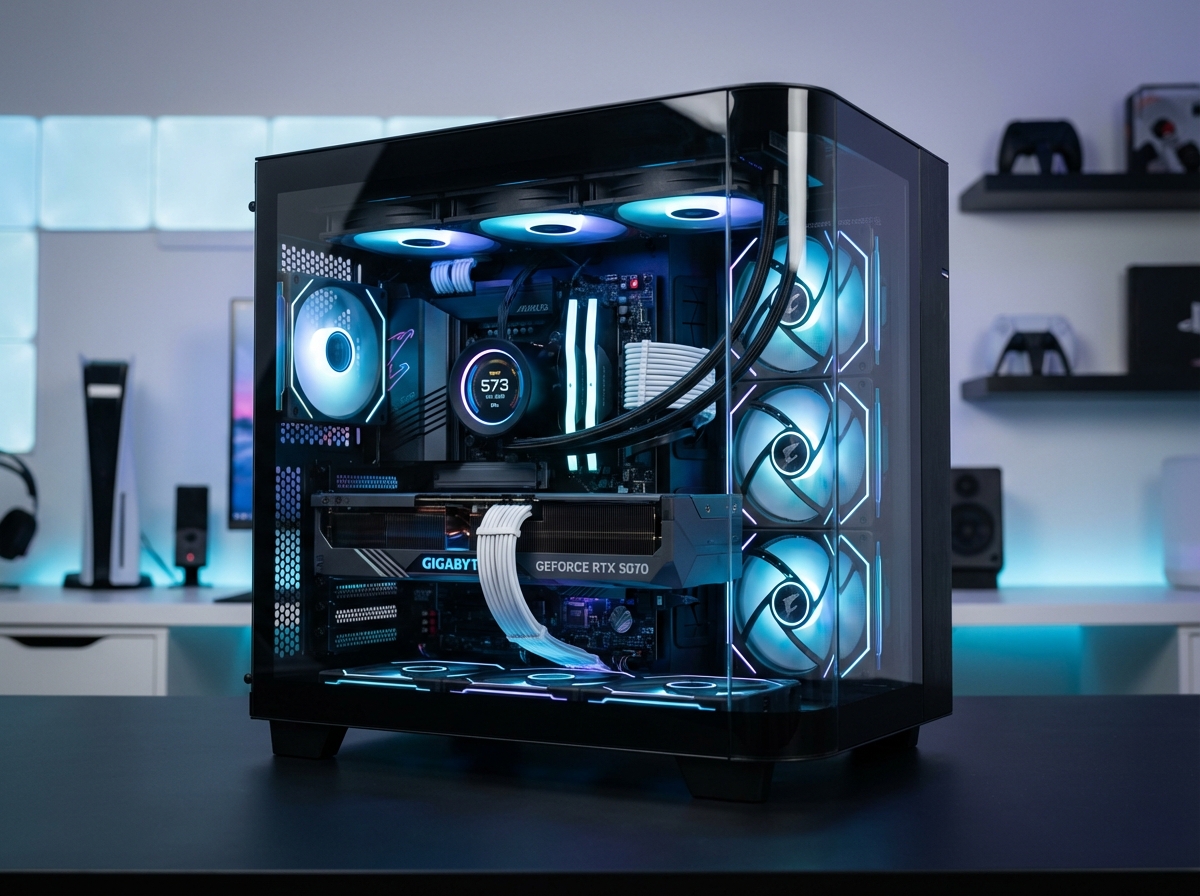
- Outlaw: Ships with an RTX 5070 12GB, which we describe as excellent for 1080p and 1440p gaming. It's the natural pick for a high-refresh 1080p or 1440p setup, and it can be upgraded to an RTX 5070 Ti if you're eyeing 4K.
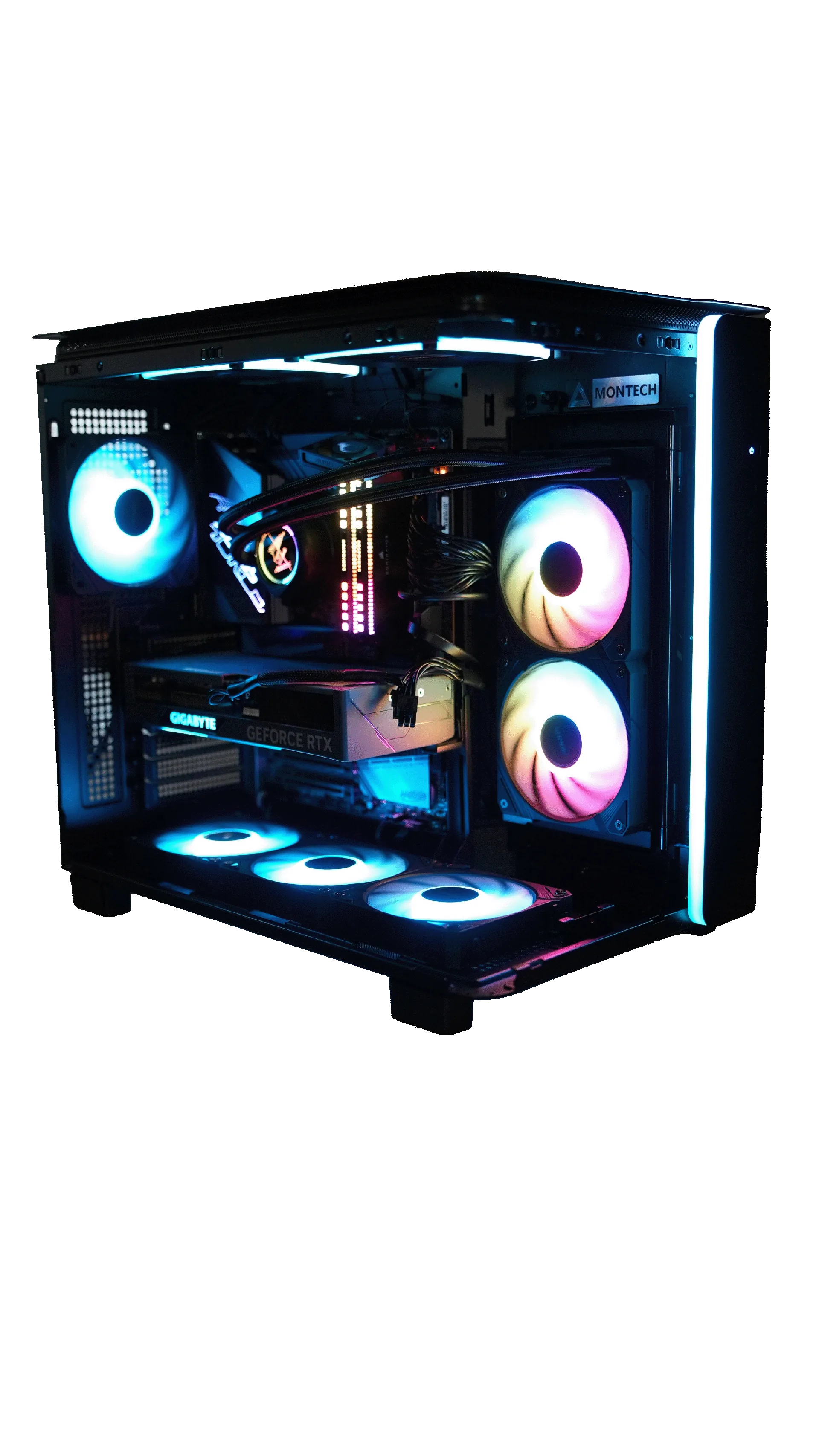
- Wrangler: RTX 5070 Ti 16GB with a Ryzen 7 9800X3D or Core Ultra 7 265K. Strong at 1440p ultra and capable at 4K with DLSS, and the 9800X3D option is a great fit for high-refresh competitive play.
- Maverick: RTX 5070 Ti 16GB with a Ryzen 9 9900X or Core Ultra 9 285K and 64GB of RAM. Same graphics tier as the Wrangler for 1440p and 4K, with more CPU muscle and memory for streaming and creative work.
BOTTOM LINE
For most gamers in 2026, 1440p is the right call: about 78% more pixels than 1080p, a big jump in sharpness on a 27-inch screen, and a resolution that RTX 5070 and 5070 Ti class cards handle comfortably at high refresh rates. Pick 1080p if you play competitive shooters and want the highest frame rates for the money. Pick 4K if you sit far enough back to see it, play mostly single-player games, and are willing to pair it with a stronger GPU and lean on upscaling.
Choose the monitor first, then build the PC to match it. That's how you avoid paying for performance you'll never see.
MATCH YOUR RIG TO YOUR MONITOR
Tell us what screen you play on and how you play, and we'll help you land the right GPU. Or spec it yourself in the Custom Builder.
OPEN THE CUSTOM BUILDER SEE THE WRANGLER