

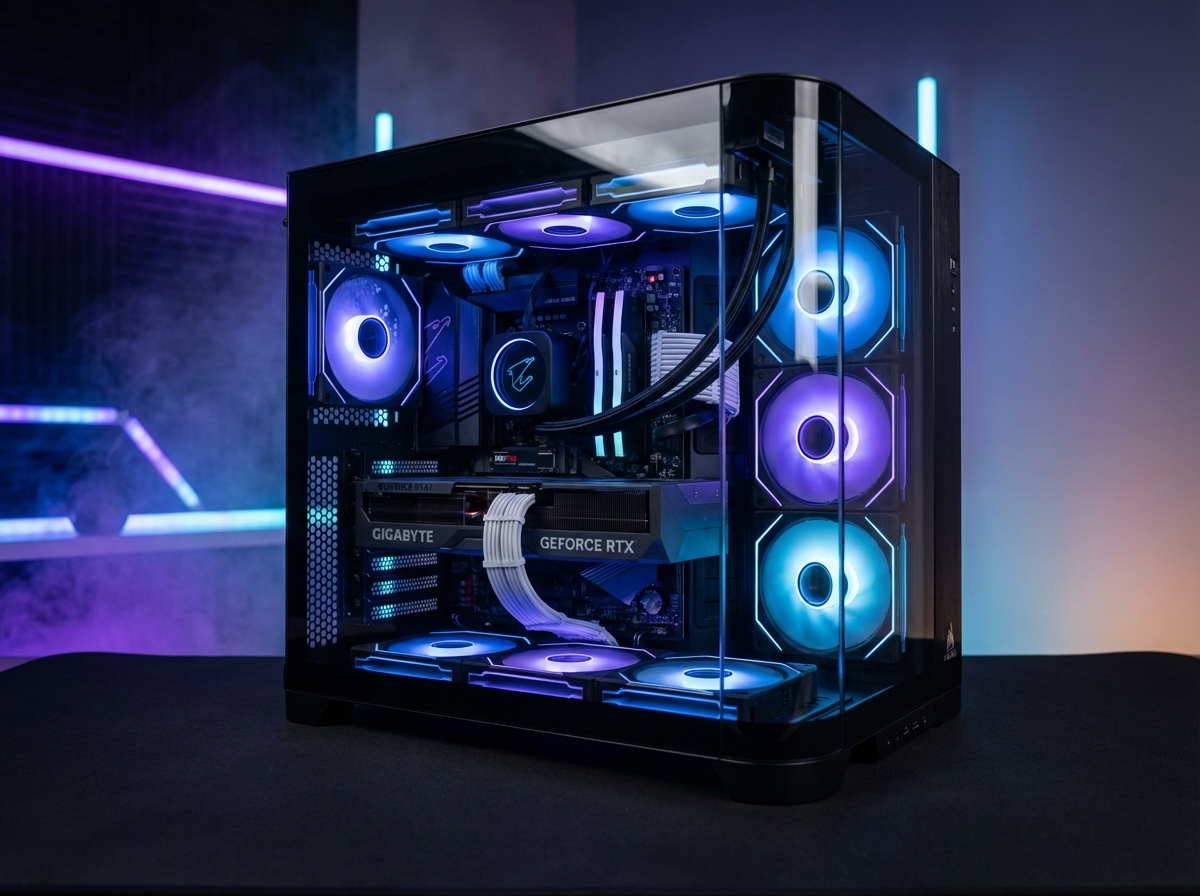
A straight-talk buyer guide for a 144Hz-and-up Call of Duty rig when RAM and SSD prices won't sit still
Call of Duty: Modern Warfare 4 hits PC on October 23, and a lot of folks are eyeing a 1440p high-refresh monitor to go with it. That's a great place to play: sharp enough to spot a head peeking over a wall, and fast enough that the game feels instant.
The catch is that parts aren't cheap this fall. Memory and storage prices are climbing, and they're expected to keep climbing through the end of the year. So the smart play is knowing exactly where your money buys you frames and where it just buys you a fancier spec sheet. Here's how we'd split it.
WHAT 1440P HIGH REFRESH ACTUALLY ASKS FOR
1440p (2560×1440) pushes about 78% more pixels than 1080p, so your graphics card works noticeably harder every frame. "High refresh" adds the second half of the job: a 144Hz monitor only shows its full smoothness if your PC can deliver something close to 144 frames per second, and a 165Hz or 240Hz panel asks for even more.
For context, Activision's own Recommended spec for MW4 targets about 90 fps in multiplayer at High settings. That's a solid experience, but it's well short of what a 144Hz panel can show. In other words, the recommended tier is the floor for this kind of build, not the target. Our Modern Warfare 4 PC checklist walks through every tier if you want the full picture.
| MW4 Tier | CPU | RAM | GPU |
|---|---|---|---|
| Recommended (about 90 fps MP, High) | Ryzen 5 3600 / Core i7-8700K | 16GB | RTX 3060 Ti / RX 6600 XT / Arc B580 |
| 4K Ray Tracing (upscaled) | Ryzen 7 3700X / Core i7-10700K | 32GB | RTX 5070 Ti / RX 9070 XT (16GB) |
| All tiers | 115GB SSD required, TPM 2.0 and Secure Boot enabled | ||
Source: Call of Duty official PC tech specs blog, September 2026.
SPEND HERE: THE GRAPHICS CARD
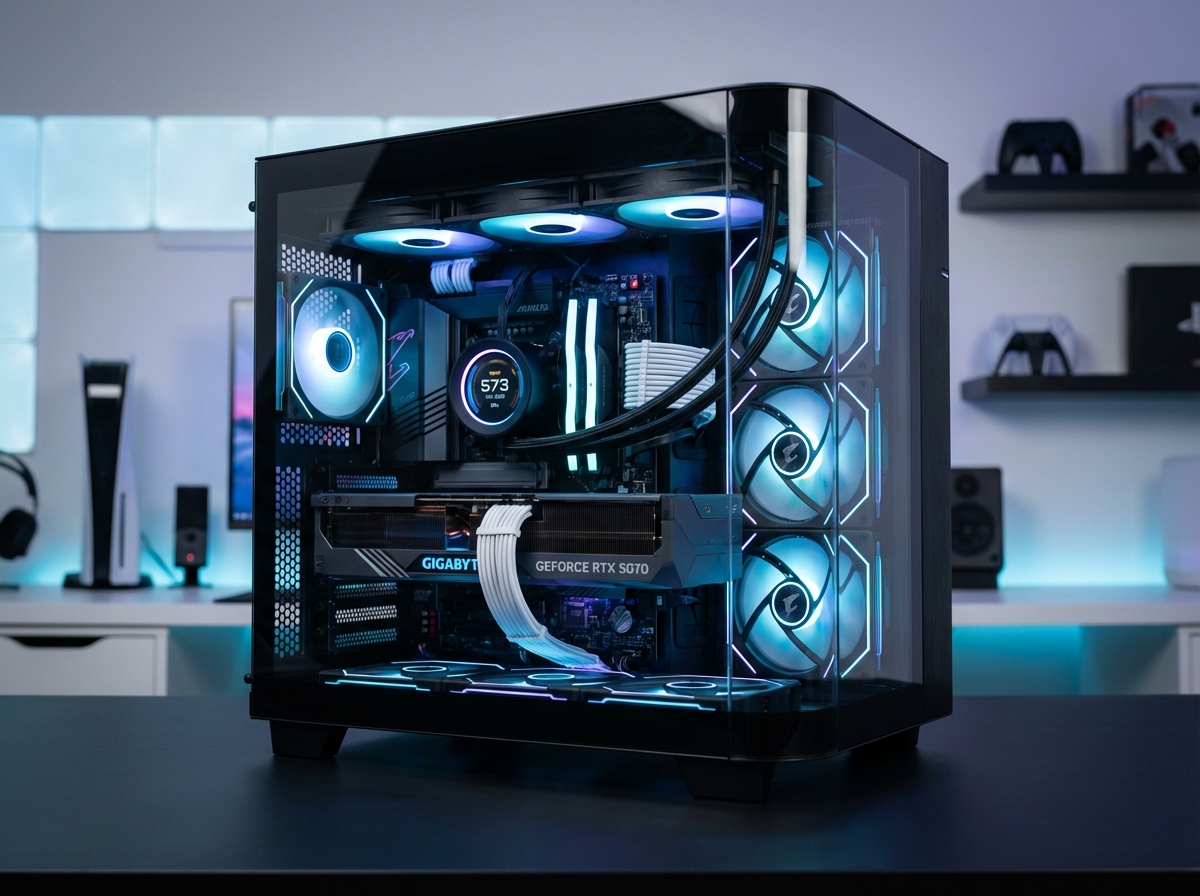
At 1440p the GPU is still the part that decides most of your frame rate, so this is where the budget goes first. An RTX 3060 Ti-class card is MW4's recommended tier and will run the game, but if the goal is to actually use a 144Hz monitor, you'll want more headroom than that.
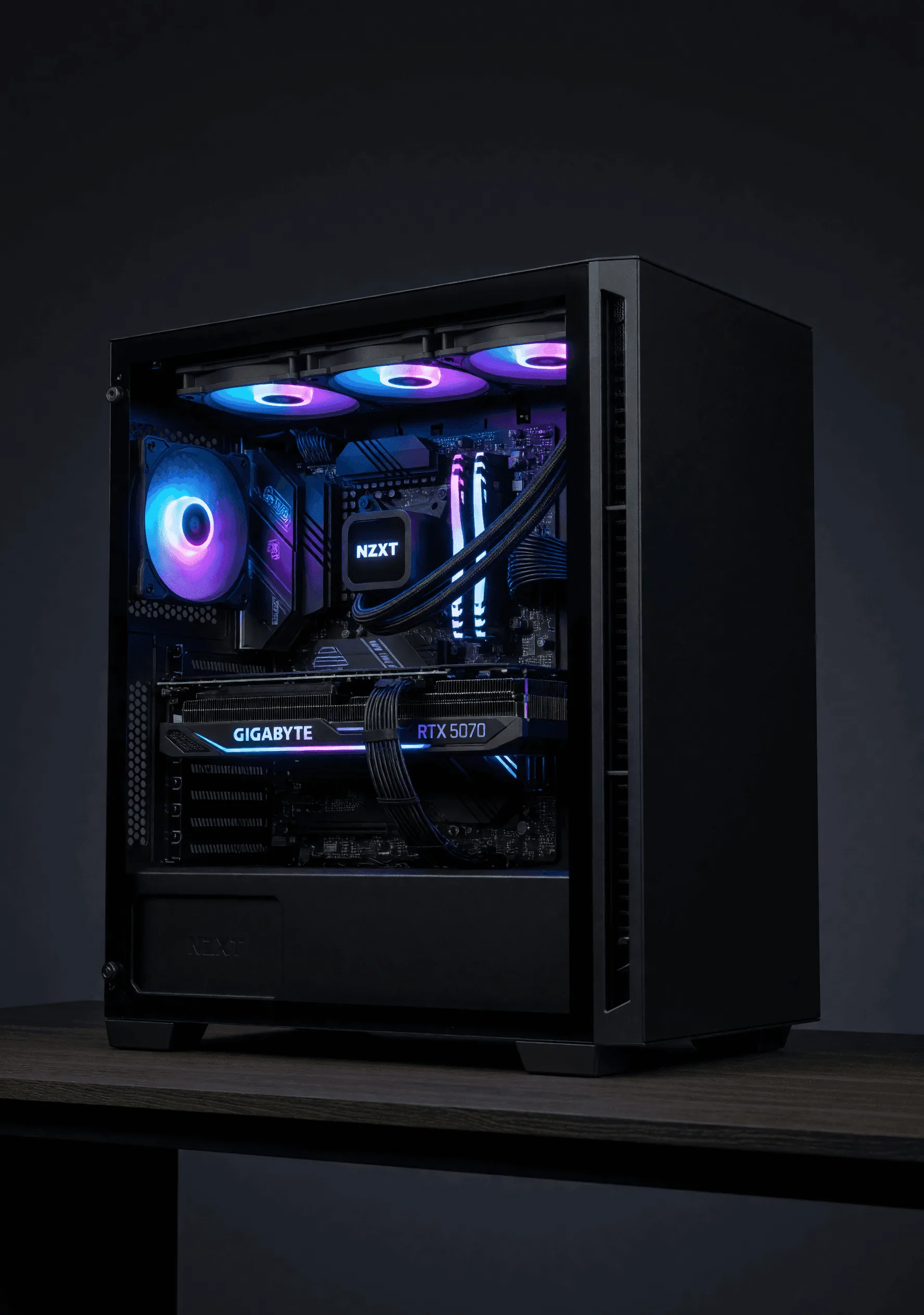
The comfortable pick is the tier Activision lists for 4K ray tracing: the RTX 5070 Ti or RX 9070 XT, both with 16GB of VRAM. If a card is rated to handle upscaled 4K with ray tracing, it has real room to spare at 1440p, where you can turn ray tracing off for competitive play and chase frame rate instead. If you're torn between upscalers, our DLSS vs FSR vs XeSS breakdown explains what each one does.
GPU VERDICT — Spend Here First
Treat the RTX 3060 Ti tier as the minimum for a good MW4 experience and the RTX 5070 Ti / RX 9070 XT 16GB tier as the right call for 1440p high refresh. If the budget has to give somewhere, take it out of the "save" list below before you drop a GPU tier.
SPEND HERE: A FAST SSD WITH ROOM TO GROW
MW4 alone needs 115GB on an SSD, and Call of Duty installs have a habit of growing with seasonal updates. Add Windows and a few other big games, and a 1TB drive fills up fast. A quality NVMe drive at 2TB is where we'd start, with 4TB if you keep a big library installed. Our 4TB NVMe SSD guide goes deeper on picking one.
Fair warning on timing: TrendForce expects NAND contract prices to rise 15–20% in Q4 2026. Contract prices aren't shelf prices, but they tend to show up there eventually, so this isn't the season to plan on storage getting cheaper.
STORAGE VERDICT — Capacity Over Bragging Rights
Buy a good 2TB NVMe drive at minimum. Spend on capacity, not on the fastest interface on the market (more on that below).
SPEND HERE: A CPU THAT CAN FEED HIGH FRAME RATES
The higher your frame rate target, the more the CPU matters, because it has to prepare every one of those frames for the GPU. At 144 fps and up in a busy multiplayer lobby, it's common for the graphics card to sit waiting on the processor. That's "CPU-bound," and it shows up as dips during the chaos.
That's where big-cache chips like AMD's X3D line earn their keep. The Ryzen 7 9800X3D (8 cores, 16 threads, 96MB of L3 cache) is the chip we point competitive shooter players toward, because extra cache cuts down on trips to system RAM and helps smooth out the worst frames. We explain the whole idea in X3D vs BFC: why cache is the new gaming CPU fight.
CPU VERDICT — Don't Pair a Fast GPU With a Slow Chip
MW4's minimums are modest, but high refresh is a different job. A big-cache gaming CPU is money well spent if frame rate is the goal.
SAVE HERE: THE STUFF THAT DOESN'T ADD FRAMES
| Part | Spend On | Save On |
|---|---|---|
| GPU | RTX 5070 Ti / RX 9070 XT 16GB tier | Premium factory-OC versions of the same chip |
| CPU | A gaming-strong chip, ideally big-cache X3D | Extra cores you won't use for gaming alone |
| RAM | 32GB DDR5 at a solid speed | 64GB kits |
| Storage | 2TB+ quality NVMe | Gen5 drives for a gaming-only PC |
| Motherboard | Solid power delivery, the ports you need | Flagship boards with features you won't touch |
| Looks | Good airflow | Extra RGB and flash |
RAM: 32GB is the sweet spot. MW4's top tier lists 32GB, and that's plenty for gaming with a browser and Discord open. Jumping to 64GB doesn't add frames in games, and it hurts more than usual right now. RamRadar, a third-party price tracker, shows DDR5 averaging about $17.33 per GB as of October 6, up 3.7% in 30 days, with a 32GB DDR5-6000 kit running roughly $400–480. TrendForce also expects PC DRAM contract prices to climb 13–18% in Q4. Doubling capacity at those numbers is a lot of money for nothing you'll see in-game. Our RAM and storage guide covers when 64GB does make sense.
Gen5 SSDs. They post huge numbers in benchmarks, but games don't load meaningfully faster on them than on a quality Gen4 drive in most cases. Put that money toward capacity instead.
Overkill motherboards. A flagship board won't raise your frame rate. Buy one with solid power delivery for your CPU and the ports you actually use.
RGB and flash. If you love lights, go for it, but they're a style choice. Good airflow does more for a gaming rig than another light strip.
SAVE VERDICT — Move the Money Up the List
Every dollar you don't spend on 64GB of RAM, a Gen5 drive, a flagship board or extra lighting is a dollar that can go to the GPU tier that actually fills your 144Hz monitor.
LAPTOP OR DESKTOP FOR COD THIS FALL?
NVIDIA's new RTX Spark laptops, built on its Arm-based N1X chip, start shipping October 16, with Microsoft's Surface Laptop Ultra starting at $2,599. But Microsoft says Call of Duty support on RTX Spark arrives in 2027, so if MW4 is the reason you're buying this fall, a Spark laptop isn't the safe pick yet. A desktop runs it on day one and gives you more room to upgrade later.
BOTTOM LINE
For a 1440p high-refresh Call of Duty rig, put your money into the graphics card first, then a CPU that can keep up at high frame rates, then a roomy NVMe drive. Hold the line at 32GB of RAM, skip Gen5 storage and flagship boards, and treat RGB as a want, not a need. Just make sure TPM 2.0 and Secure Boot are on before launch day; our Windows 11 page covers the basics.
If you'd rather skip the parts hunt, our Wrangler build lines up with this plan: a choice of Ryzen 7 9800X3D or Core Ultra 7 265K, an RTX 5070 Ti 16GB base GPU with RX 9070 XT 16GB options, 32GB of DDR5-6000 and a 2TB Gen4 NVMe drive, with a 4TB upgrade available. Want to tweak every part instead? The Custom Builder lets you, and financing can spread out the cost. For a broader look at budgets, see what a custom gaming PC costs in 2026.
BUILD YOUR COD RIG
Start from the Wrangler or spec every part yourself. Not sure where to spend and where to save? Ask us and we'll give you the straight answer.
OPEN THE CUSTOM BUILDER SEE THE WRANGLERSOURCES
- Call of Duty: Modern Warfare 4 PC trailer, tech specs and features
- RamRadar: RAM price index (third-party tracker)
- TrendForce: Q4 2026 DRAM and NAND contract price outlook
- VideoCardz: NVIDIA RTX Spark laptops launch October 16, prices start at $2,599
- VideoCardz: Microsoft says Call of Duty support on RTX Spark arrives in 2027