



By T.J. Gutierrez, Co-Founder — Lone Star True Custom Rigs
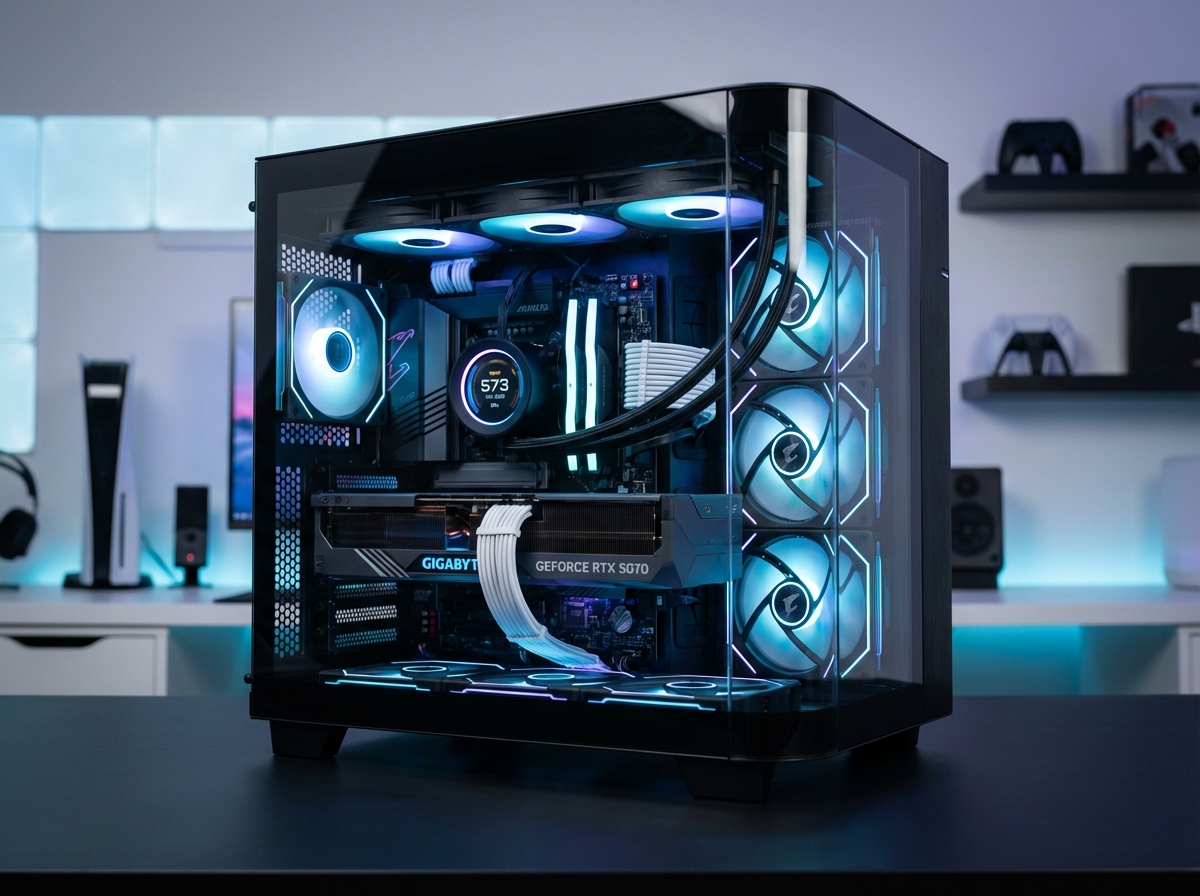
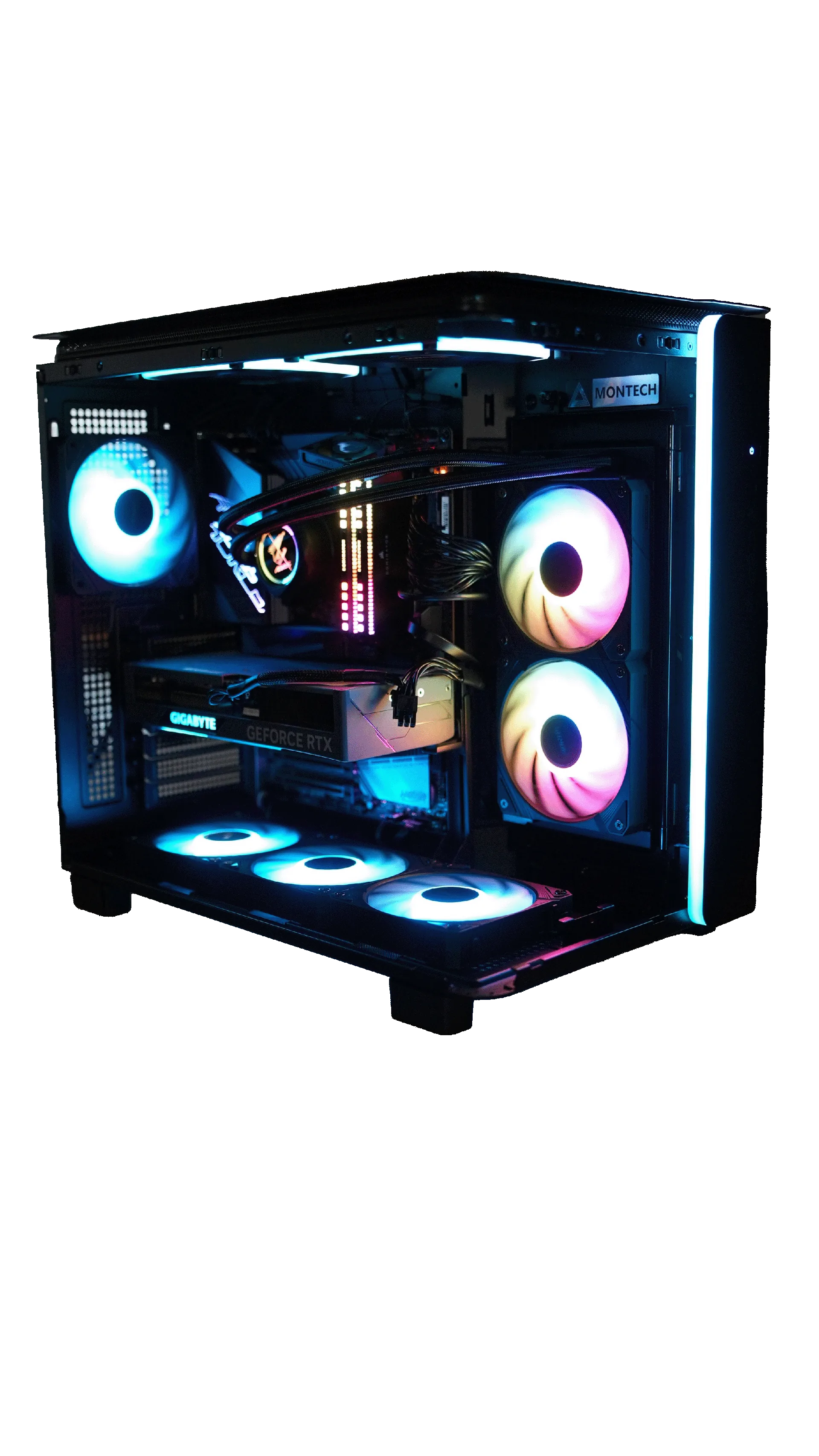
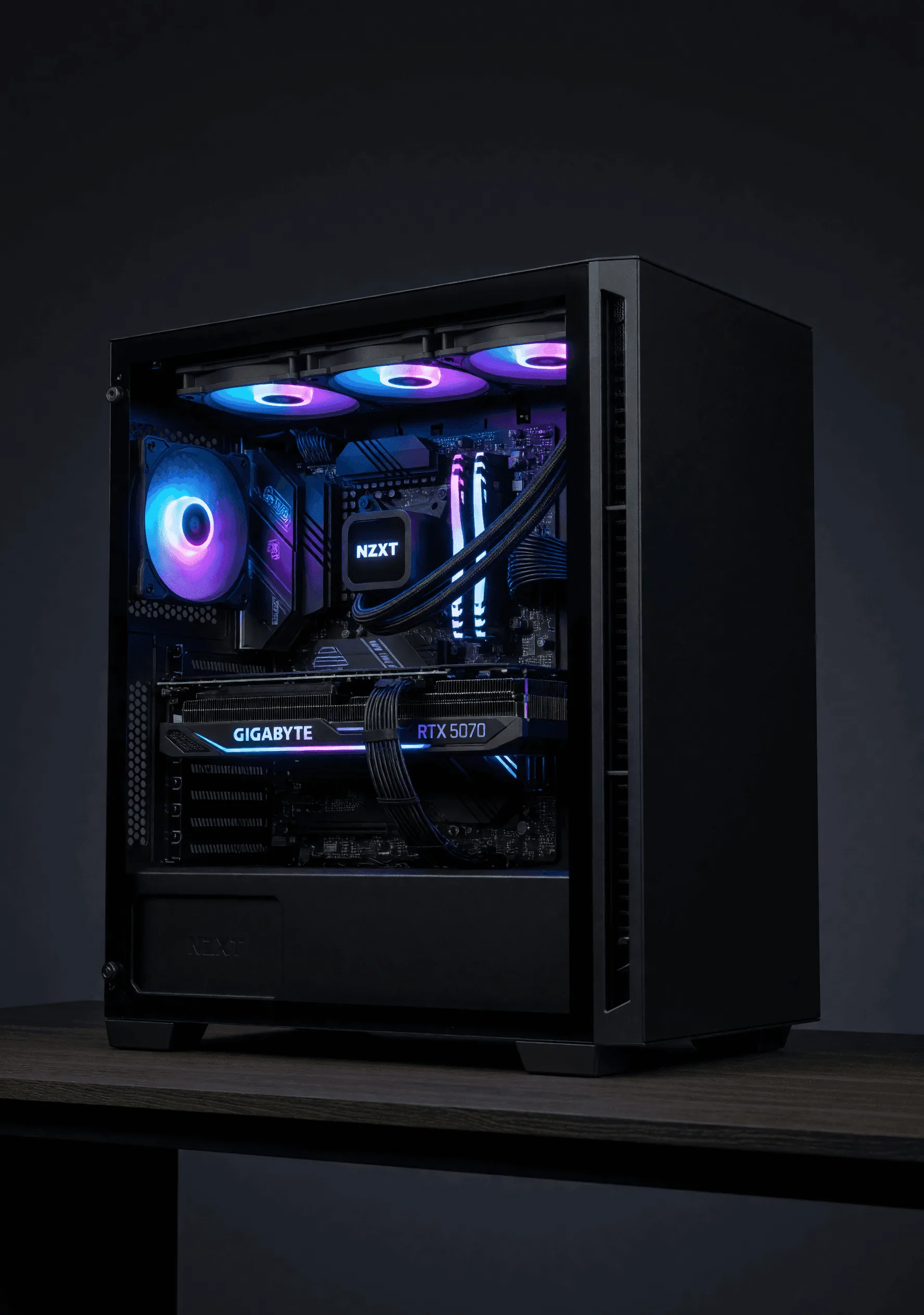
In the era of 200GB AAA game installs, 8K RAW video timelines, and AI workloads chewing through datasets by the terabyte, storage has stopped being a footnote on the build sheet — it's the bottleneck. At Lone Star True Custom Rigs, we install 4TB NVMe SSDs in nearly every Predator and Apex tier rig that walks out of our Texas shop, and the reason is simple: when speed, capacity, and longevity have to coexist, nothing else comes close.
This is the complete, no-fluff guide to 4TB NVMe SSDs in 2026 — what they are, who they're for, what to actually buy, and how to get every megabyte per second out of them.
WHAT IS A 4TB NVMe SSD?
A 4TB NVMe SSD (Non-Volatile Memory Express Solid State Drive) is a high-capacity flash storage device that plugs directly into your motherboard's M.2 slot and communicates with your CPU over the PCIe bus. It skips the legacy SATA controller entirely, which is why a modern NVMe drive can be 10–20x faster than the SATA SSD you bought five years ago and 50–100x faster than a mechanical hard drive.
In our shop, we've watched customers go from "do I really need NVMe?" to "I'll never go back" the first time they boot Windows in under five seconds and load a Cyberpunk 2077 save in two.
WHY CHOOSE A 4TB NVMe SSD? (AND IS IT ACTUALLY WORTH IT?)
The honest answer: for most serious users in 2026, yes. Here's why.
Massive Storage Without Compromise
With 4 terabytes of NVMe storage, you can comfortably:
- Install 100+ AAA games without juggling what gets uninstalled
- Run multiple 8K video editing projects with cached previews on the same drive
- Host enterprise datasets and AI training data locally
- Spin up multiple virtual machines without performance hits
- Keep Windows, Adobe Creative Cloud, OBS, and your full Steam library on one drive
Blazing-Fast Performance
Real-world performance from drives we install daily:
- Sequential read: Up to 14,500 MB/s (PCIe Gen5)
- Sequential write: Up to 12,700 MB/s (PCIe Gen5)
- PCIe Gen4 max: ~7,500 MB/s read, ~7,000 MB/s write
- Random 4K IOPS: 1.5M+ on top-tier drives
- Latency: Sub-millisecond — over 100x lower than a hard drive
NVMe vs SATA SSD vs HDD: PERFORMANCE COMPARISON
| Feature | NVMe SSD (4TB) | SATA SSD | HDD |
|---|---|---|---|
| Interface | PCIe Gen3/Gen4/Gen5 | SATA III | SATA |
| Max Speed | 14,500+ MB/s | ~550 MB/s | ~150 MB/s |
| Random 4K IOPS | 1,500,000+ | ~100,000 | ~150 |
| Latency | Ultra-low (µs) | Moderate (ms) | High (ms) |
| Form Factor | M.2 (compact) | 2.5" drive bay | 3.5" drive bay |
| Best Use | High-performance | General use | Bulk archival |
If you're still running a SATA SSD as your primary drive in 2026, the upgrade to NVMe is the single most noticeable performance change you can make to your PC — bigger than a CPU bump, sometimes bigger than a GPU bump for productivity work.
PCIe GENERATIONS: WHICH ONE DO YOU ACTUALLY NEED?
Choosing the right PCIe generation is where most builders overspend or undershoot.
- PCIe Gen3 — Up to ~3,500 MB/s. Reliable and budget-friendly. Fine for older boards or secondary storage.
- PCIe Gen4 — Up to ~7,500 MB/s. The sweet spot for 95% of gaming and content creation builds. Excellent price-to-performance.
- PCIe Gen5 — 12,000–14,500 MB/s. Worth it for AI workloads, 8K video editing, and workstation builds. For pure gaming, the real-world difference vs Gen4 is currently small — but it future-proofs you for DirectStorage-heavy titles.
Our Recommendation
In 95% of Lone Star builds, PCIe Gen4 4TB is the sweet spot. Gen5 only when the workload demands it — AI, 8K video, or workstation tasks. For pure gaming, Gen4 is currently indistinguishable from Gen5 in real-world frame times.
THE BEST 4TB NVMe SSDs WE INSTALL IN 2026
After hundreds of installs, these are the drives that consistently earn their spot in our builds:
Samsung 990 Pro 4TB
PCIe Gen4The reliability king. 7,450 MB/s reads, 2,400 TBW endurance, rock-solid Samsung firmware. The drive we ship most often.
WD Black SN850X 4TB
PCIe Gen4Gaming-focused with Game Mode 2.0. 7,300 MB/s reads, excellent thermals with the heatsink variant. Top pick for pure gaming rigs.
Crucial T705 4TB
PCIe Gen5The Gen5 benchmark champ. 14,500 MB/s reads, 12,700 MB/s writes. Runs hot — heatsink mandatory. Pick for video editors and AI.
Sabrent Rocket 5 4TB
PCIe Gen5Excellent value Gen5 option with included copper heatsink. 14,000 MB/s reads. Strong alternative to the T705 at a lower price.
KEY FEATURES TO LOOK FOR IN A 4TB NVMe SSD
NAND Type
- TLC (Triple-Level Cell): Best balance of performance, longevity, and price. What we use.
- QLC (Quad-Level Cell): Cheaper and higher density, but lower endurance and slower sustained writes. Avoid for primary drives.
DRAM Cache
DRAM-equipped drives are non-negotiable for serious work. They deliver:
- Faster sustained write speeds
- Better random I/O for multitasking
- Improved data mapping efficiency
- Longer drive lifespan
Endurance (TBW Rating)
A quality 4TB NVMe should offer 1,200 TBW – 3,000 TBW (terabytes written). For context, 2,400 TBW is roughly 657 GB of writes every single day for 10 years before the drive's rated lifespan ends. You will replace your PC before you replace the drive.
Thermal Management
This is the part most DIY builders miss. PCIe Gen4 drives can hit 70°C under sustained load. Gen5 drives can hit 90°C without proper cooling and will throttle. Solutions:
- Motherboard-integrated M.2 heatsinks (most modern boards)
- Aftermarket M.2 heatsinks with thermal pads
- Active cooling for Gen5 in workstation builds
Lone Star Standard
Every Lone Star build with a Gen5 drive ships with active cooling on the M.2 slot. Period. Thermal throttling on a $400+ drive is unacceptable, and it's the kind of detail that separates a real builder from a parts-stuffer.
BEST USE CASES FOR 4TB NVMe SSDs
Gaming
4TB lets you install your entire library — Steam, Epic, Battle.net, Xbox Game Pass — and never see "low disk space." Open-world titles like Starfield, Cyberpunk 2077, and Microsoft Flight Simulator 2024 stream assets faster, eliminating texture pop-in and reducing stutters. With DirectStorage now mainstream, NVMe speed directly translates to in-game performance.
Content Creation
For 4K and 8K video editors, a 4TB NVMe is the difference between scrubbing your timeline smoothly and waiting on cache renders. RAW photographers and motion graphics artists working in DaVinci Resolve, Premiere, or After Effects see massive workflow improvements.
Professional & AI Workloads
Software developers running multiple Docker containers, AI/ML practitioners loading large model weights, and virtualization environments all benefit dramatically from the random I/O performance of high-end NVMe.
4TB NVMe vs 2TB: IS THE UPGRADE WORTH IT?
This is the question we get most often. Our honest answer:
Go 4TB if:
- You play AAA games and don't want to uninstall titles
- You do video editing, photo editing, or 3D work
- You run AI models locally
- You want the build to last 5+ years without storage anxiety
Stick with 2TB if:
- You play a small handful of games
- Your workload is primarily web browsing and office work
- Budget is the dominant constraint
The price-per-gigabyte gap between 2TB and 4TB has narrowed dramatically. In 2026, the 4TB option is almost always the better long-term value.
INSTALLATION AND COMPATIBILITY
Before you buy, verify:
- Motherboard has an available M.2 slot (most modern boards have 2–4)
- Slot supports the PCIe generation you're buying (a Gen5 drive in a Gen4 slot will work but cap at Gen4 speeds)
- Physical clearance for the heatsink under your CPU cooler or GPU
- Your BIOS is updated for proper drive recognition
Installation Steps
- Power down and ground yourself
- Remove the M.2 slot's existing heatsink (if present)
- Insert the NVMe drive at a 30° angle into the M.2 slot
- Press flat and secure with the mounting screw
- Reattach the heatsink with fresh thermal pads
- Boot, enable NVMe in BIOS if needed
- Initialize and format in Windows Disk Management
Pro Tip From Our Shop
We always run a Samsung Magician or WD Dashboard firmware check immediately after install. NVMe drives ship with outdated firmware more often than you'd expect, and a 5-minute update can deliver real performance gains and stability fixes.
MULTI-DRIVE SETUP: SHOULD YOU RAID YOUR 4TB NVMe DRIVES?
Glad you asked. Lone Star now offers free RAID 0 or RAID 1 setup on every multi-drive build.
- RAID 0 (striping): Combines two 4TB drives into 8TB of storage with nearly doubled read/write speeds. Ideal for video editors and content creators.
- RAID 1 (mirroring): Two drives act as one 4TB volume with full redundancy. Lose a drive, lose zero data. Ideal for business users and anyone storing irreplaceable work.
If you're configuring a build with us, mention RAID at checkout — we'll set it up for free. Combined with our new 3rd drive slot option, you can scale to 12TB of pure NVMe storage in a single build.
PERFORMANCE OPTIMIZATION TIPS
To get the most out of your 4TB NVMe SSD:
- Enable PCIe Gen4/Gen5 mode in BIOS (often disabled by default)
- Update drive firmware before first use
- Maintain 20–30% free space for optimal sustained performance
- Use a quality M.2 heatsink — non-negotiable for Gen5
- Enable DirectStorage in supported games
- Disable Windows indexing if the drive is for media/projects only
- Run TRIM weekly (Windows does this automatically by default)
FREQUENTLY ASKED QUESTIONS
Is a 4TB NVMe SSD worth it for gaming?
Do I need a heatsink on a 4TB NVMe SSD?
What's the difference between PCIe Gen4 and Gen5 SSDs?
Can I use a 4TB NVMe SSD as my only drive?
How long does a 4TB NVMe SSD last?
Is 4TB NVMe overkill?
THE SMART CHOICE FOR HIGH-PERFORMANCE STORAGE
A 4TB NVMe SSD is no longer a luxury upgrade — it's the foundation of a future-proof PC build. Whether you're gaming on a 4K OLED, editing 8K footage in DaVinci Resolve, or training local AI models, the speed, capacity, and reliability of a quality 4TB NVMe drive is the single biggest quality-of-life upgrade you can make.
At Lone Star True Custom Rigs, every Predator and Apex tier build ships with a 4TB NVMe drive installed, configured, and thermal-tested before it leaves our shop. With our 3rd drive slot option and free RAID setup, you can scale to 8TB or 12TB of pure NVMe storage in a single build.
Want to dig deeper? Read our companion guides:
- AMD vs Intel: Which Should You Pick?
- How to Optimize Your Gaming PC for 120 Hz
- ASUS ROG Crosshair X870E Glacial Motherboard Review
BUILD WITH 4TB NVMe STORAGE
Ready to configure a custom rig with 4TB of blazing-fast NVMe storage? Pick your drive, your tier, and let us handle the install, firmware updates, and RAID setup — free.
CONFIGURE YOURS VIEW PRE-BUILTS