
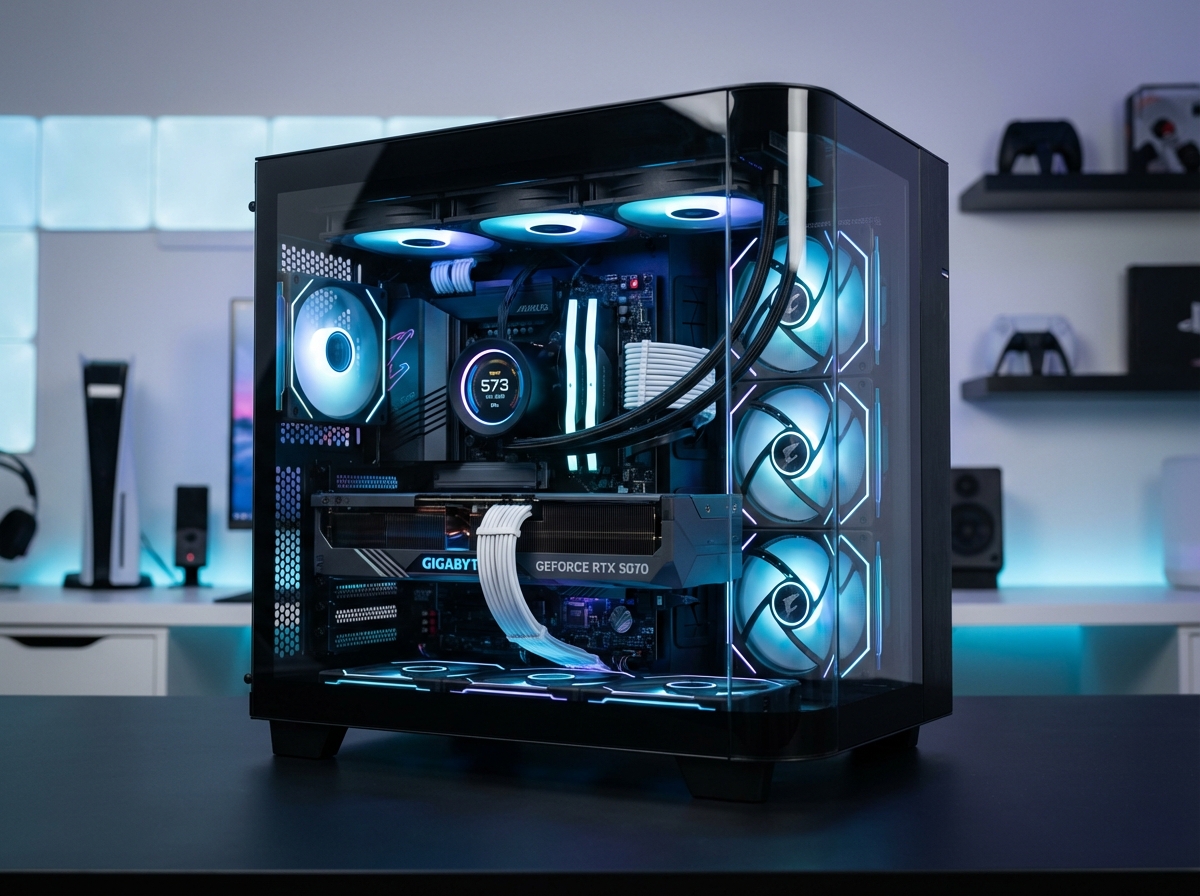
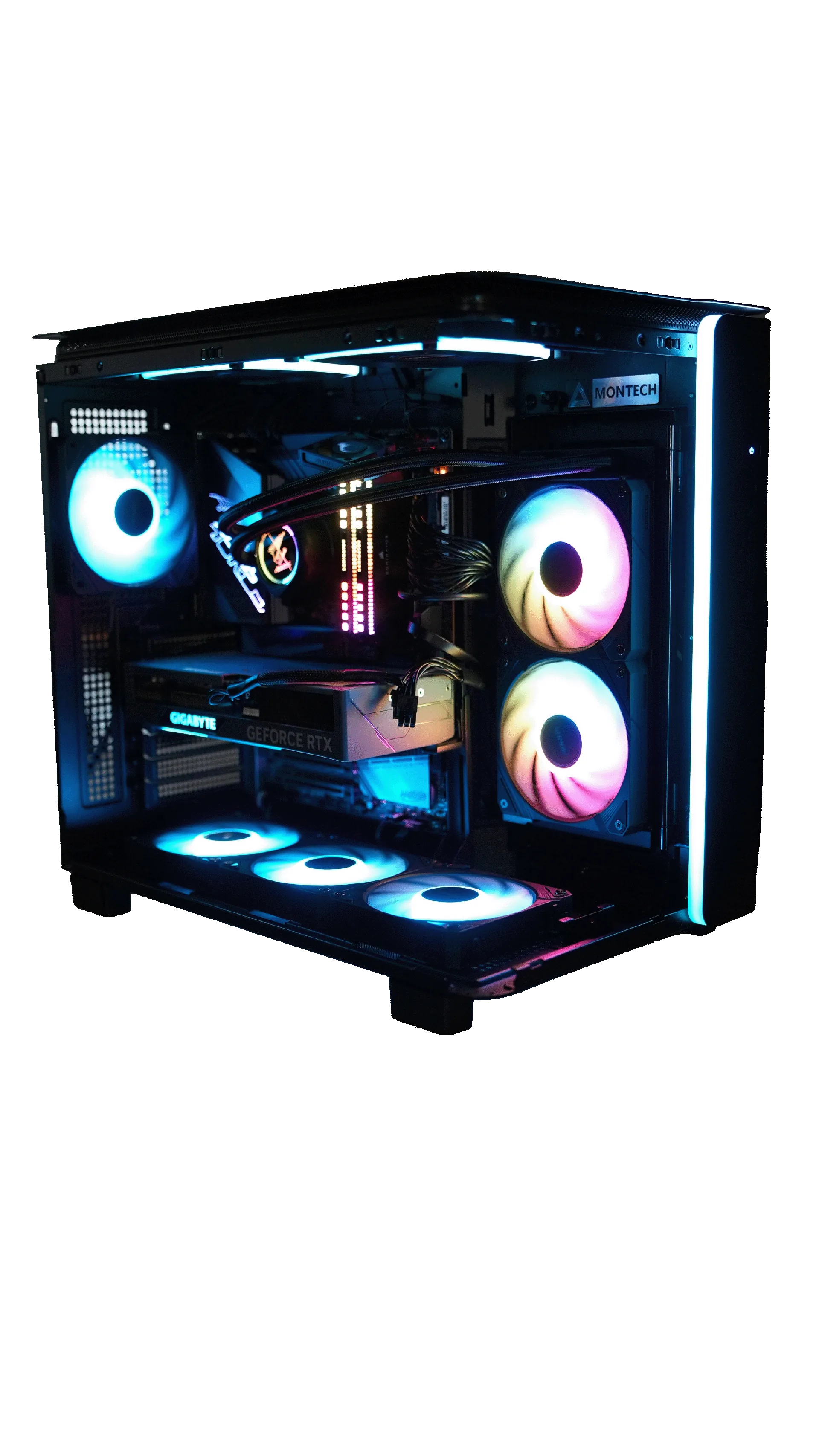
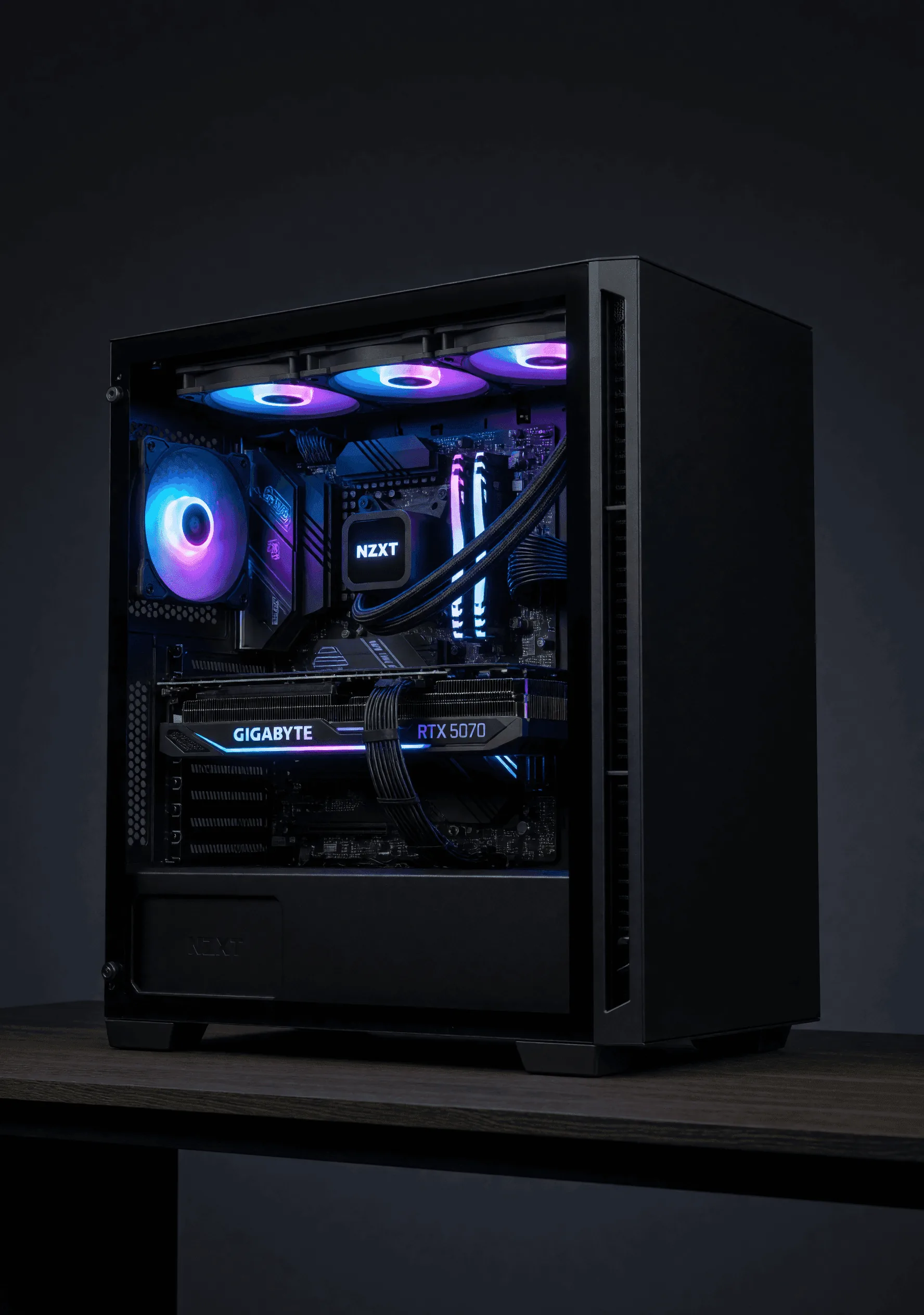
One PC, the right encoder, enough upload and a decent mic. Here’s the straight version
A few years back, the “serious” streaming setup meant two PCs: one to play the game and one to encode the stream. That still works, but for most people starting or growing a Twitch channel in 2026, it’s money spent in the wrong place.
Modern graphics cards do the heavy lifting of encoding on dedicated hardware, and Twitch has added features that lean on that hardware. Here’s what actually matters in a streaming PC, what Twitch accepts as of late October 2026, and where we’d put your budget.
ONE PC IS ENOUGH NOW
Every current GeForce, Radeon and Intel Arc card has a dedicated video encoder built into the chip. On NVIDIA cards it’s called NVENC. Because it’s separate from the part of the GPU that renders your game, streaming with it costs far less performance than encoding on the CPU used to.
That’s why we recommend single-PC streaming with GPU encoding for almost everyone. The old alternative, CPU encoding with x264, can look great, but it needs a lot of spare CPU cores to do it without hurting your game. A two-PC setup also means a second machine, a capture card and more to troubleshoot when you’re live.
RTX 40 and RTX 50 series cards can also encode AV1, a newer codec that holds up better at lower bitrates. That’s a nice bonus, but read the next section before you go hunting for an AV1 setting in OBS for Twitch.
WHAT TWITCH ACTUALLY ACCEPTS RIGHT NOW
Twitch’s standard Broadcasting Guidelines are still the baseline for most streamers:
| Stream | Video bitrate | Notes |
|---|---|---|
| 1080p, 60 fps | 6,000 kbps | H.264, CBR, 2-second keyframe interval |
| 720p, 60 fps | 4,500 kbps | Good choice if your upload is limited |
| 720p, 30 fps | 3,000 kbps | The safe fallback on slow connections |
On top of that, Twitch has Enhanced Broadcasting. Instead of sending one stream and letting Twitch make the lower-quality versions, your GPU encodes several versions at once in OBS and sends them all. Twitch’s help center lists the supported hardware as a GeForce RTX 20 series or newer (driver 550 or newer), Radeon RX 6000 series or newer, or Intel Arc A580 or newer, so most recent gaming PCs qualify.
On June 17, 2026, Twitch opened 2K (1440p) streaming to all Partners and Affiliates. It requires Enhanced Broadcasting and uses the HEVC codec for 1440p, with H.264 (AVC) for 1080p and below. Twitch says those streams can run up to 9 Mbps for 1440p and 7.5 Mbps for 1080p.
WHAT ABOUT AV1 ON TWITCH?
Twitch said back in 2024 that Enhanced Broadcasting would open the door to testing HEVC and AV1. HEVC arrived with 2K streaming. As of late October 2026, Twitch’s published guidance doesn’t list AV1 for streaming to the site. An AV1 encoder is still handy for high-quality local recordings, but don’t buy a card for AV1 on Twitch alone.
CPU, GPU AND RAM: WHERE THE MONEY GOES
CPU: With the GPU handling the encode, your processor is running the game plus OBS, browser sources, alerts, chat and Discord. An 8-core, 16-thread chip like the Ryzen 7 9800X3D handles that comfortably while still being one of the fastest gaming CPUs around. If you plan to edit your VODs into YouTube videos, more cores help with export times. Our CPU cache guide goes deeper on picking one.
GPU: Pick the card for the games you play first, and the encoder comes along for the ride. An RTX 5070 is a solid 1080p streaming card. If you’re eyeing 1440p, the RTX 5070 Ti’s 16GB of VRAM gives you more room for the game and OBS together. Our RTX 5070 Ti vs 5070 comparison lays out the difference.
RAM: 32GB is our baseline for a streaming PC. A modern game, OBS with a few browser sources, a web browser and Discord add up fast, and 16GB leaves you swapping to disk mid-stream. Go to 64GB if you edit video or run heavy creative apps. More on that in our RAM and storage guide.
Storage: If you record locally, footage eats space quickly. A second SSD just for recordings keeps your game drive from filling up. Our 4TB NVMe guide covers when a big drive makes sense.
UPLOAD SPEED: THE PART PEOPLE FORGET
Your internet’s upload speed, not download, decides your stream quality. Twitch advises never setting your bitrate above about 80% of your consistent upload bandwidth. So a 6,000 kbps stream wants at least 7.5 Mbps of steady upload, and more is better because the rest of the house is using the connection too.
Enhanced Broadcasting sends several versions of your stream at once, so it needs more upload than a single stream. Run a speed test at the time of day you actually stream, and plug the PC into your router with an Ethernet cable. Wi-Fi drops that you’d never notice in a game show up as dropped frames on stream.
MIC AND CAMERA BASICS
Viewers will forgive a soft webcam picture. They won’t sit through bad audio. If you spend money anywhere outside the PC, start with the microphone:
- Mic: a dedicated USB or XLR mic beats a headset mic every time. Dynamic mics pick up less keyboard and room noise than condenser mics, which helps in an untreated bedroom or game room.
- Mic placement: close to your mouth and off to the side. A boom arm makes this easy.
- Camera: a 1080p webcam is plenty to start. Lighting matters more than the camera. One soft light in front of you does more than an expensive webcam in a dark room.
OBS SETTINGS TO START WITH
These are a solid starting point for a 1080p60 stream on a single PC with an NVIDIA card. Tweak from here based on your upload and how your stream looks.
- Encoder: NVIDIA NVENC H.264 (or your GPU’s hardware encoder on AMD or Intel).
- Rate control: CBR, which Twitch’s guidelines call for.
- Bitrate: 6,000 kbps if your upload can handle it. Drop to 720p60 at 4,500 kbps if it can’t.
- Keyframe interval: 2 seconds.
- Enhanced Broadcasting: turn it on in OBS’s Stream settings if your GPU qualifies and your upload has room.
- Test first: do a short unlisted test and watch the OBS stats for dropped or skipped frames before you go live for real.
BOTTOM LINE
You don’t need a second PC or the most expensive GPU to stream well on Twitch. A modern 8-core CPU, an RTX 5070-class card or better, 32GB of RAM, a wired connection with enough upload and a good mic will carry most channels a long way. Put your money into the parts viewers notice: smooth gameplay and clear audio.
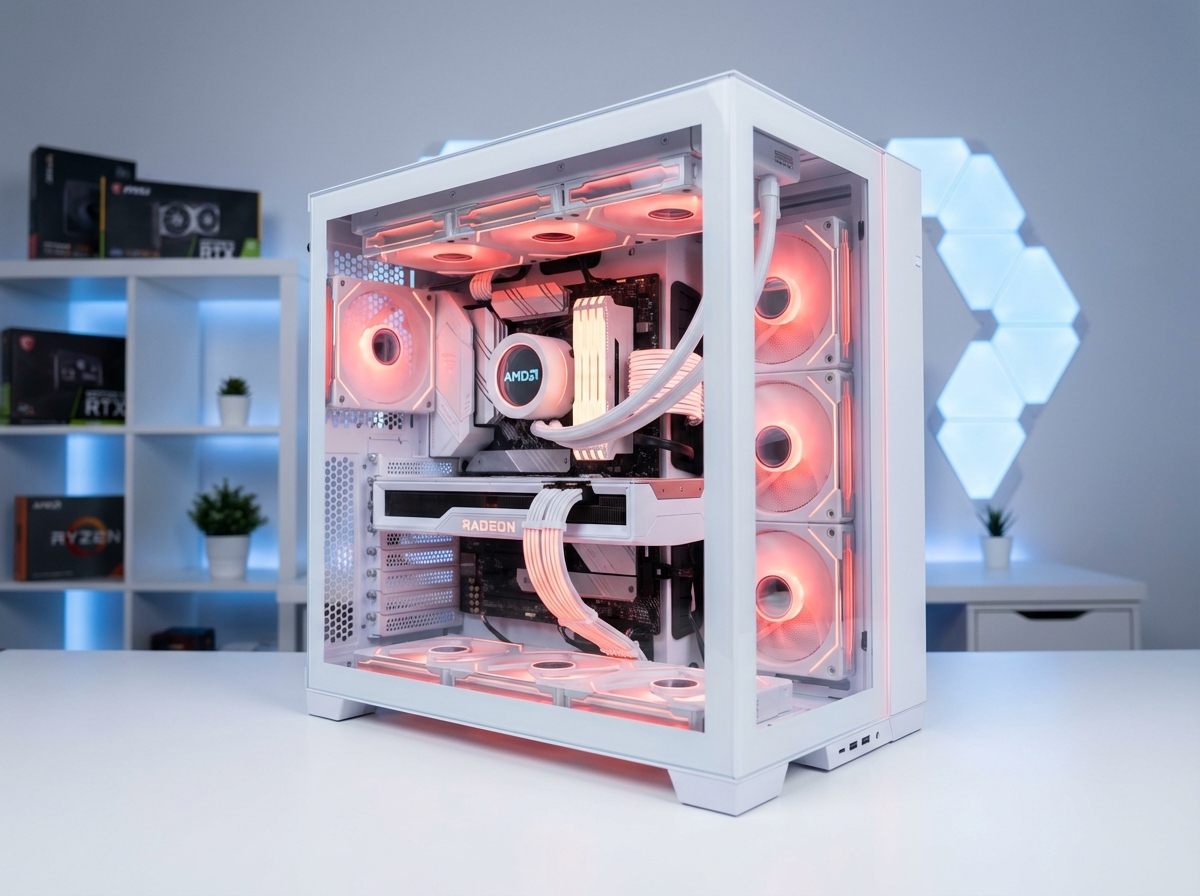
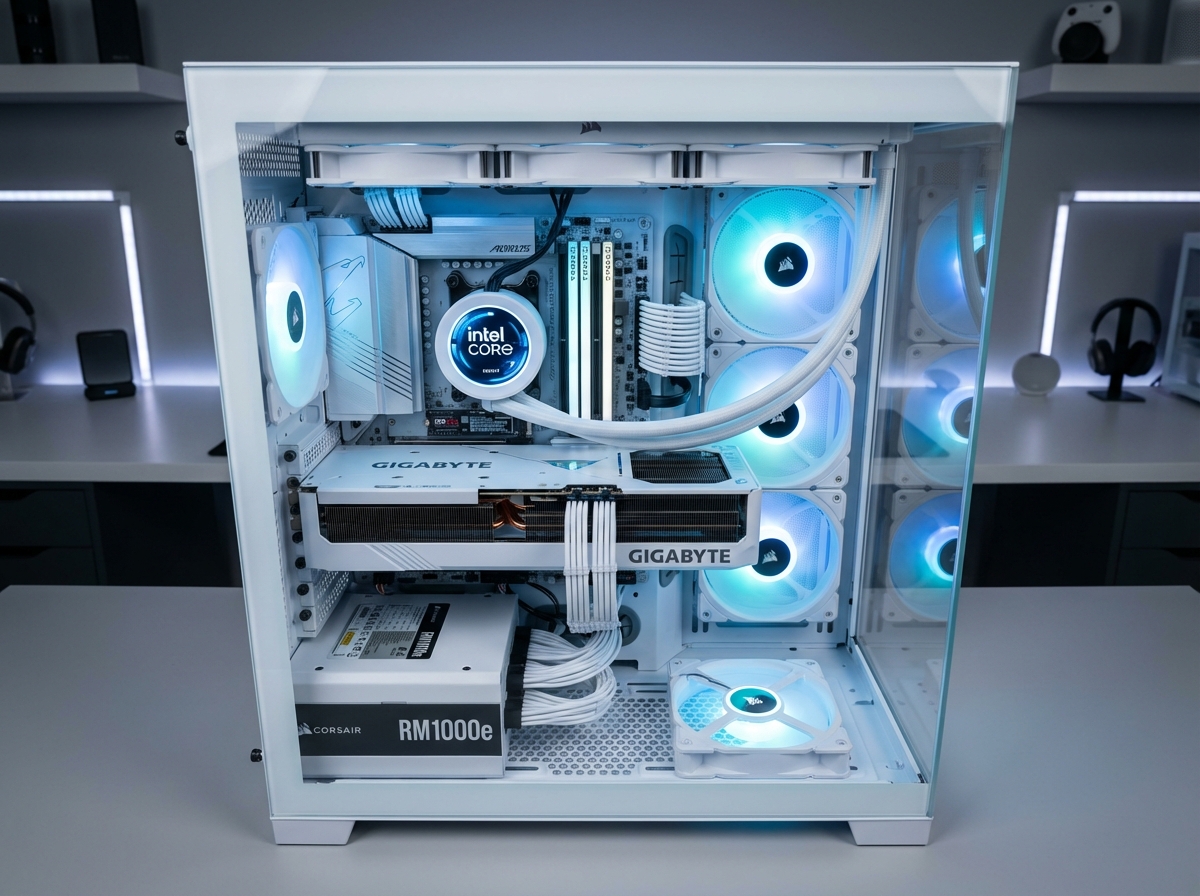
Our Wrangler (Ryzen 7 9800X3D or Core Ultra 7 265K, RTX 5070 Ti, 32GB DDR5) is a good fit for this kind of setup, and the Maverick starts at 64GB if you also edit video.
STREAMING WITH MeTaLLiX
Lone Star partners with streamers, including MeTaLLiX. Viewers of MeTaLLiX can use code METALLIX10 for 10% off at checkout. Learn more about the partnership.
BUILD YOUR STREAMING RIG
Spec a single-PC streaming setup in the Custom Builder, or have a look at the Wrangler, built around an RTX 5070 Ti and 32GB of DDR5.
OPEN THE CUSTOM BUILDER SEE THE WRANGLERSOURCES
- Twitch Help: Broadcasting Guidelines
- Twitch Help: 2K streaming on Twitch (Enhanced Broadcasting requirements)
- Twitch Blog: Introducing Dual Format and 2K streaming on Twitch (June 17, 2026)
- Twitch Blog: Introducing the Enhanced Broadcasting beta
- Twitch Help: Streaming overview (bitrate vs. upload bandwidth)