

A spec-sheet checklist for any Black Friday gaming PC deal, from any store
Black Friday prebuilt listings all look the same at first glance: a big graphics card name, a big red “SAVE” badge, and a price that seems hard to beat. The headline parts are usually fine. It’s the lines further down the spec sheet, the ones most shoppers skim past, that decide whether the deal is actually a deal.
We build PCs for a living, so we read spec sheets the way a mechanic looks under a hood. Here are the seven things we’d check on any prebuilt before you hit buy this Black Friday, wherever you’re shopping. None of them take more than a minute.
WHY SPEC SHEETS NEED A CLOSER LOOK THIS YEAR
Memory and storage costs are still climbing. TrendForce forecast that NAND flash contract prices will rise 15–20% in Q4 2026, and it reported that PC brands are cutting SSD capacities in mainstream models to keep costs down. A system builder that needs to hit a price point has to save money somewhere, and the places it’s easiest to trim are the parts that don’t make the headline. That’s not a knock on anyone. It’s just why it pays to read the fine print.
RED FLAGS IN MEMORY AND STORAGE
1. One Stick of RAM
A listing that says “16GB DDR5” or “32GB DDR5” doesn’t tell you whether that’s one stick or two. One stick runs in single-channel mode, which gives the CPU half the memory bandwidth of a matched pair. In testing by PC Games Hardware, dual-channel memory delivered up to 28% higher frame rates in some games. Look for “2x8GB” or “2x16GB” in the specs. If it isn’t listed, ask before you buy.
2. A Small SSD
A 512GB drive fills up fast. Windows, your launchers and a few modern games with 100GB-plus installs, and you’re already juggling uninstalls. For a gaming PC, we treat 1TB as the floor and 2TB as the sweet spot. Also check what kind of drive it is: an NVMe SSD is what you want for a boot and game drive. Our RAM and storage guide goes deeper on sizing both.
RED FLAGS UNDER THE HOOD
3. A Power Supply With No Name
“650W power supply” with no brand, model or efficiency rating is the biggest blind spot on most spec sheets. The power supply feeds every part in the machine, and a weak or low-quality unit can cause crashes under load or limit what you can upgrade to later. Look for a named brand, an 80 PLUS rating, and enough wattage for the card. For reference, Corsair and MSI both put the recommendation for an RTX 5070 Ti at a 750W power supply. A good build page lists this plainly. Our Outlaw page, for example, lists a 750W 80+ Gold unit.
4. Weak Cooling or No Airflow
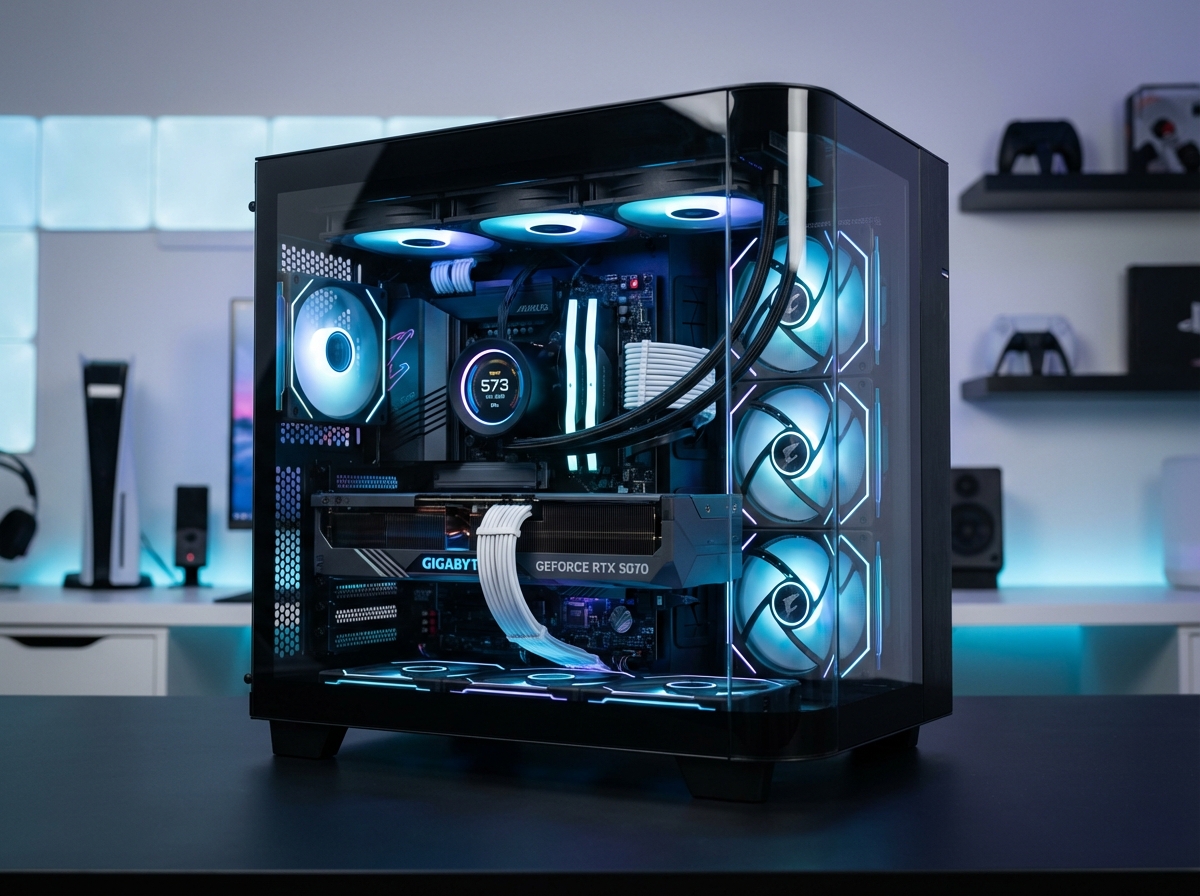
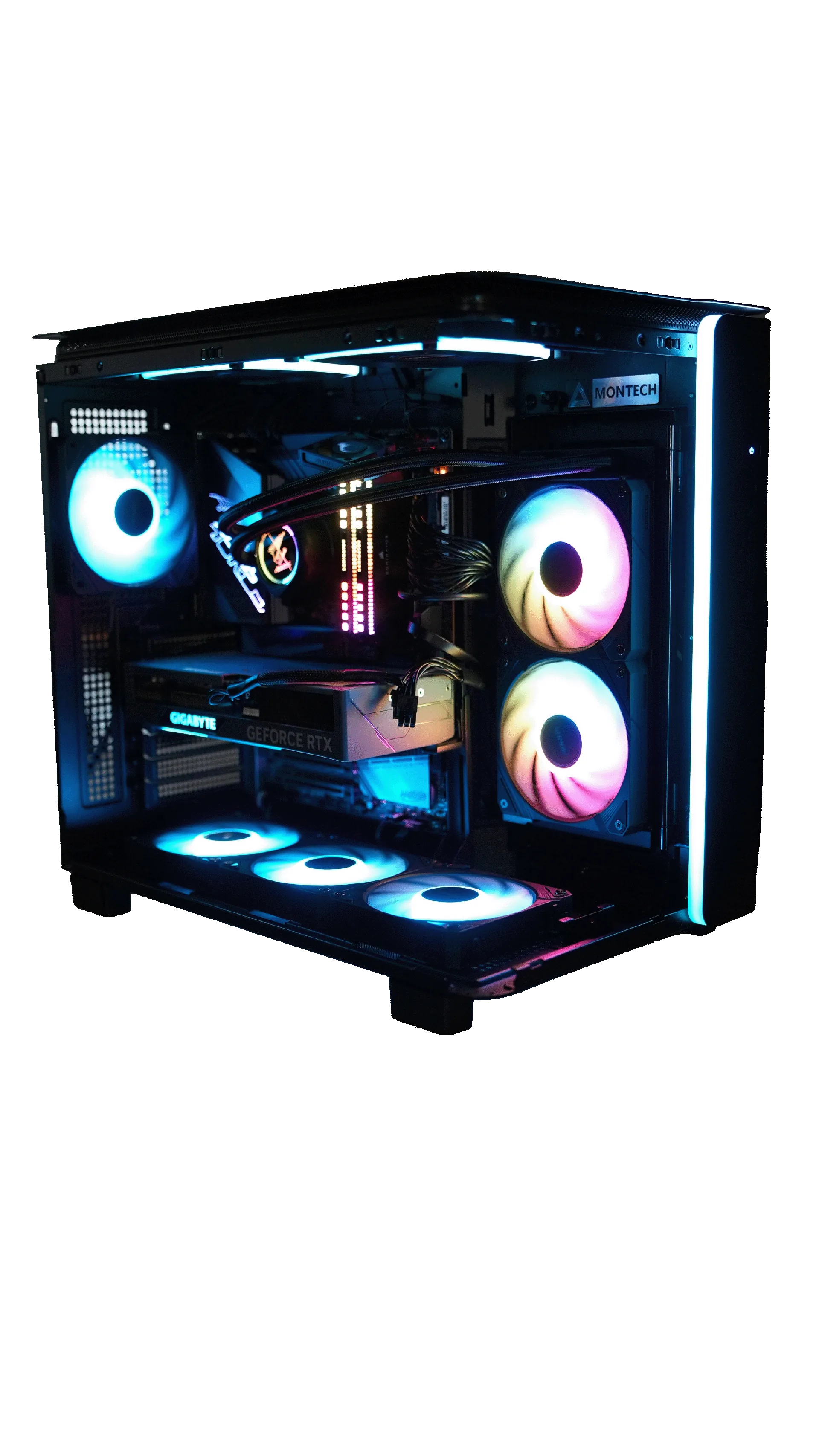
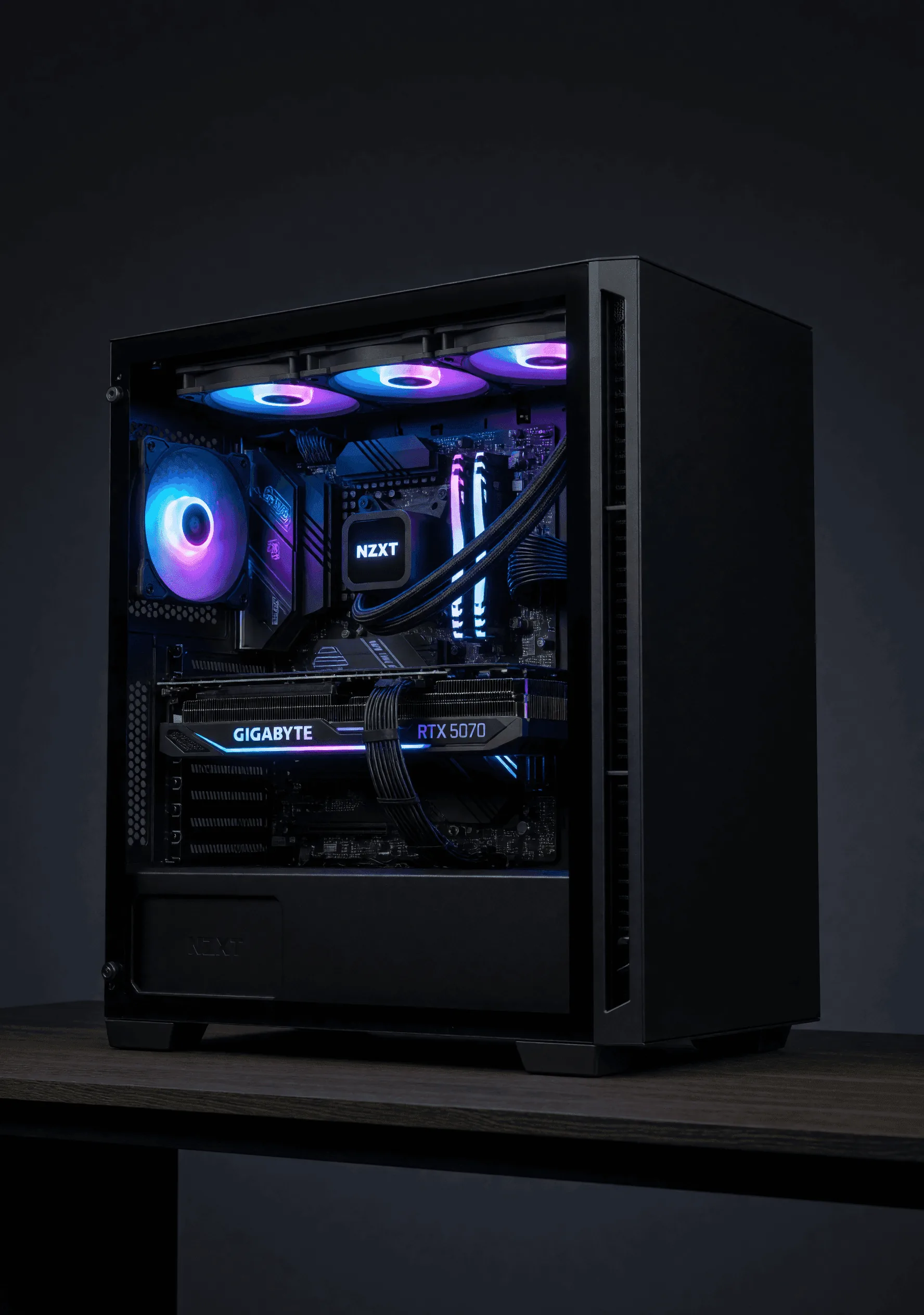
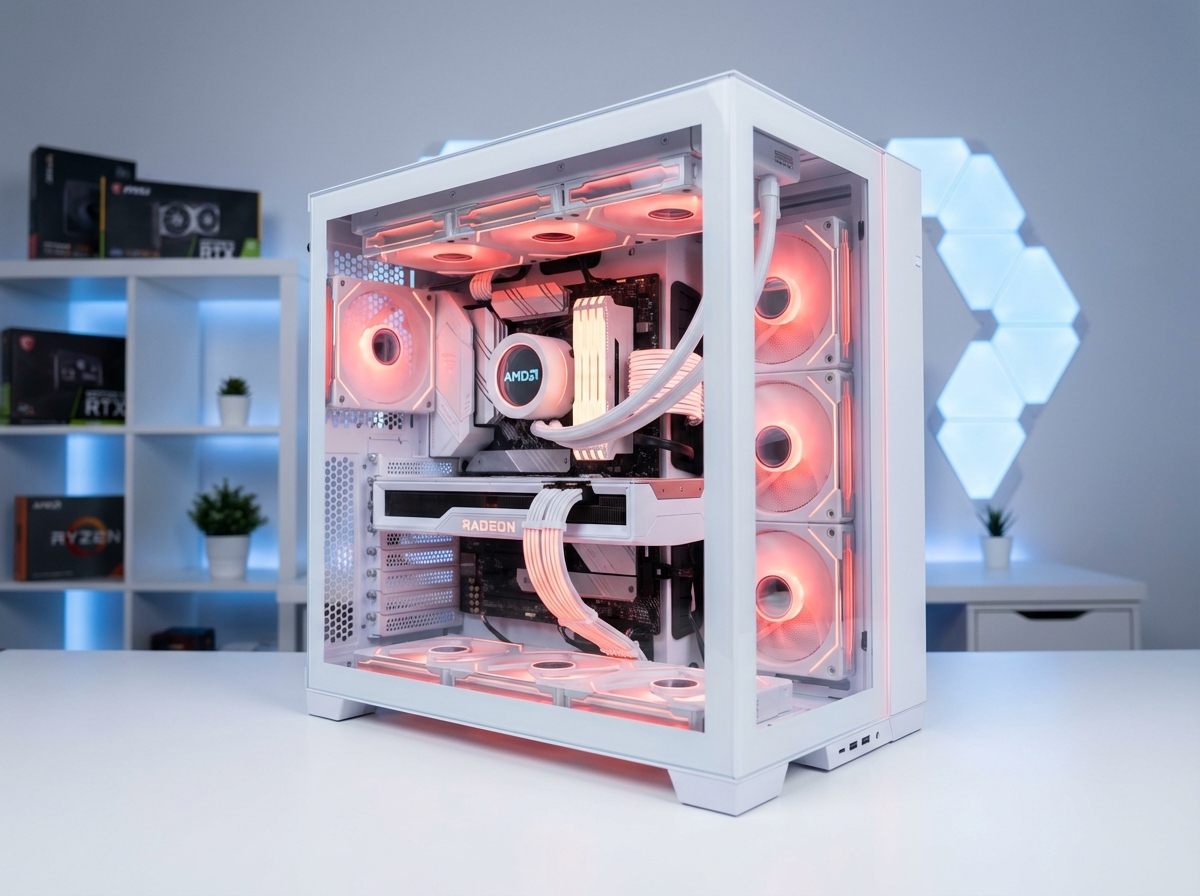
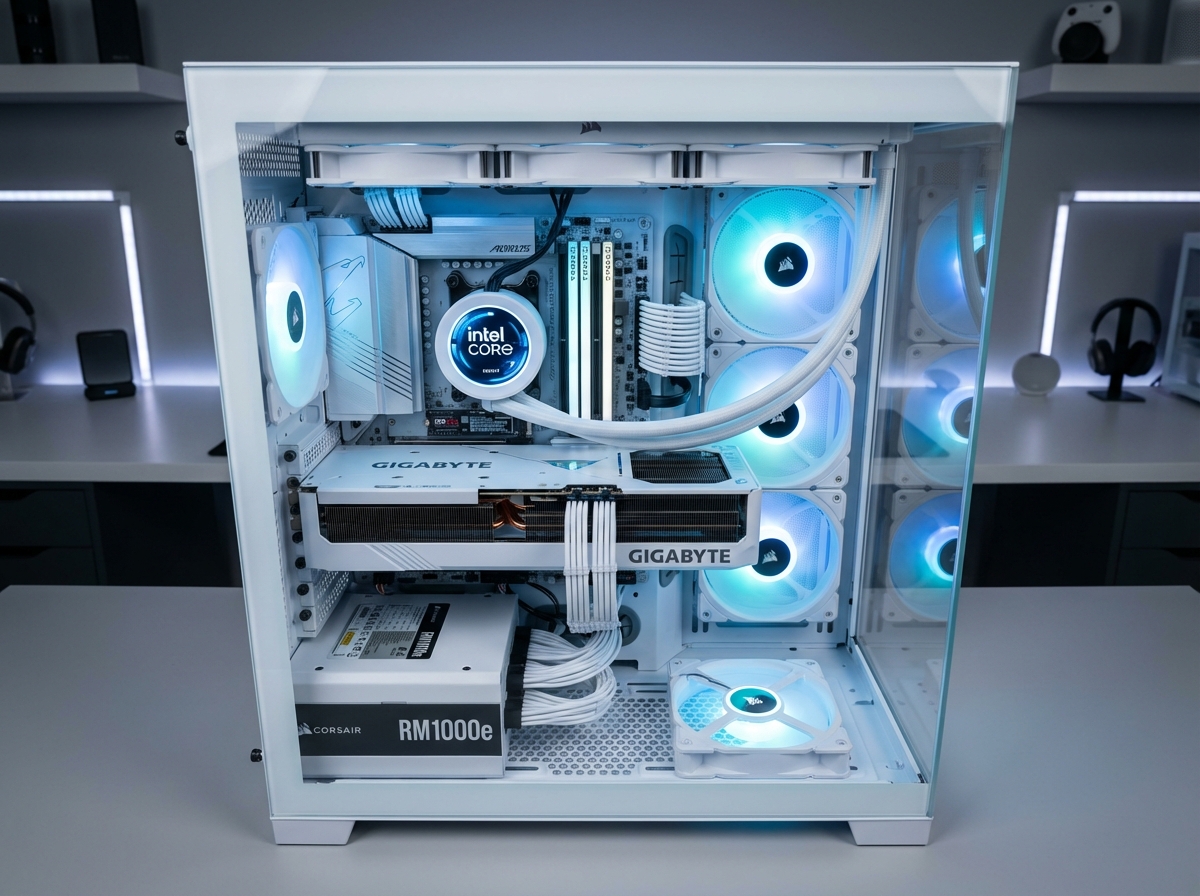
Modern CPUs and GPUs boost as hard as their cooling allows. A case with a solid glass or plastic front panel and only one or two fans can run hot, which means louder fans and lower sustained clocks during long sessions. Check the product photos: can air get in the front? How many fans are listed? Is the CPU cooler named, or just “air cooler”?
5. An Older CPU Paired With a New GPU
A brand-new graphics card in the headline can hide an older or entry-level processor that holds it back, especially at 1080p and high refresh rates where the CPU does more of the work. Look up the full CPU model number and when it launched. If the processor is a couple of generations behind the graphics card, the system may not deliver the frame rates the GPU name suggests. Our Intel vs AMD page and gaming CPU cache explainer can help you size up the chip.
RED FLAGS IN THE LISTING ITSELF
6. Vague GPU Wording
Watch for “GPU up to RTX 50 series,” “RTX 5060 or equivalent,” or “configuration may vary.” Those phrases mean you might not get the exact card you’re picturing. Memory size matters too: the RTX 5060 Ti, for one, comes in both 8GB and 16GB versions, and a listing that just says “RTX 5060 Ti” doesn’t tell you which. You want the exact model and the amount of VRAM in writing.
7. Bloatware, Windows and the Warranty
Check three things before checkout. First, does it ship with a stack of trial software you’ll spend an evening removing? Second, is Windows 11 included and activated? (More on that on our Windows 11 Pro page.) Third, read the warranty: how long it lasts, whether it covers parts and labor, who pays shipping if it needs service, and how long the return window is. A cheap price with a thin warranty isn’t much of a bargain if something fails in month four.
THE 60-SECOND CHECKLIST
BEFORE YOU BUY ANY PREBUILT
- RAM is two matched sticks (2x8GB, 2x16GB), not one.
- SSD is at least 1TB NVMe, ideally 2TB.
- Power supply has a brand, a model and an 80 PLUS rating, with enough wattage for the GPU.
- Case has real airflow and the CPU cooler is named.
- CPU is a current or recent generation that suits the GPU.
- GPU model and VRAM are spelled out exactly, with no “up to” or “or equivalent.”
- Windows is activated, bloatware is minimal, and the warranty terms are clear.
BOTTOM LINE
A prebuilt can be a smart Black Friday buy, and there are times it’s the right call over a custom build. We laid out exactly when in our custom PC vs prebuilt comparison. The trick is judging the whole machine, not just the GPU name and the discount badge. If a listing checks all seven boxes, great. If it leaves several of them blank, that’s your answer.
And if you want a second set of eyes on a spec sheet, even one from somewhere else, send it our way. We’ll tell you straight what’s in it.
EVERY PART NAMED. EVERY BUILD TESTED.
Pick every component yourself in the Custom Builder, or browse our Ready to Ship builds. Each one is stress-tested before it ships.
OPEN THE CUSTOM BUILDER SEE READY TO SHIP